How to stop an AI agent from deleting things without asking
A prompt that says "always ask first" is a request the model can ignore. Put the approval in code: sort your tools by what they can break, stop every destructive call before it runs and show its exact arguments, and make what slips through undoable. How to do it in your own loop, in LangGraph, over MCP and in Claude Code.
Tecyfy · Published · 7 min read
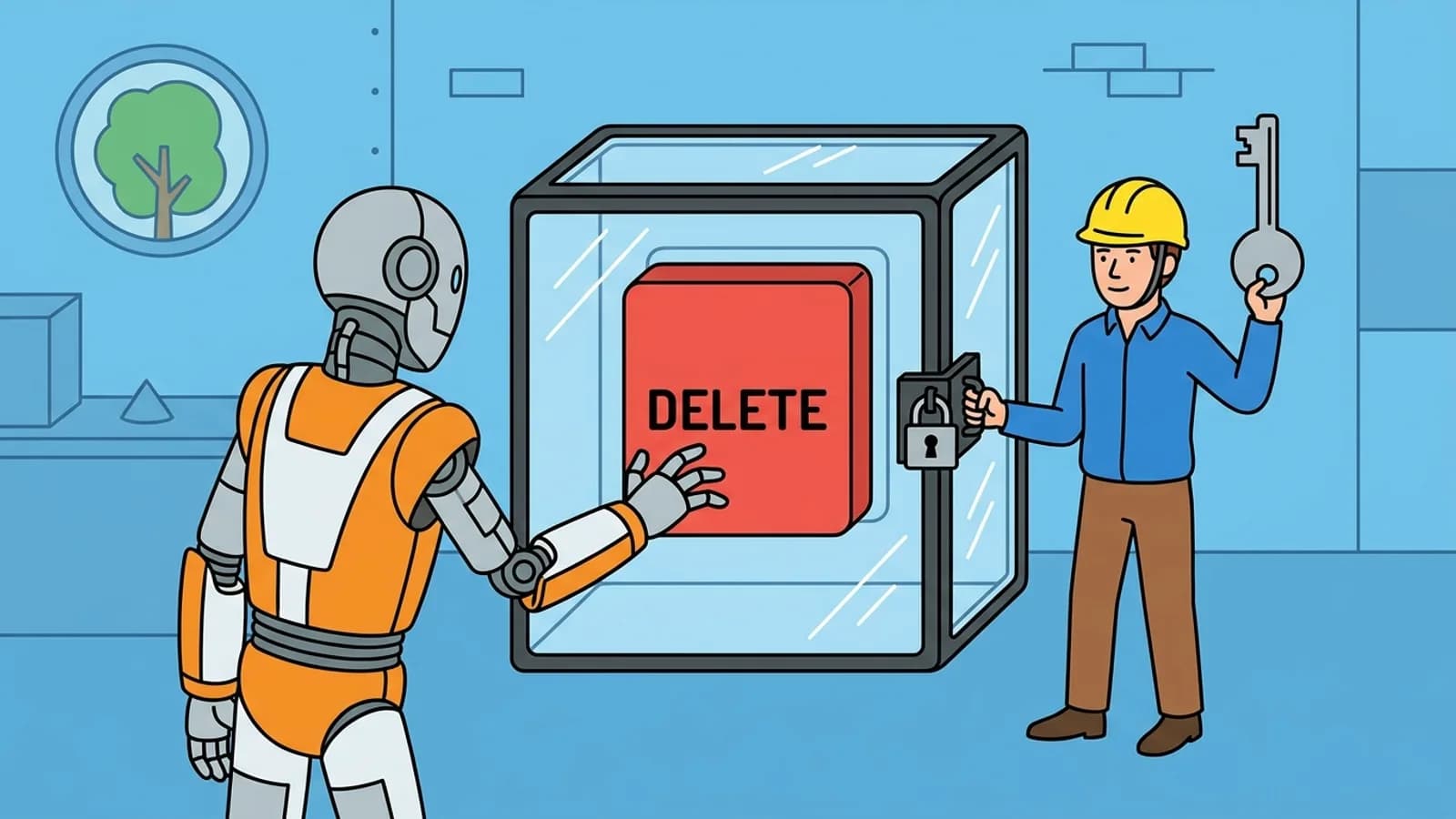
To stop an AI agent from deleting things without asking, put the check in code, not in the prompt: sort your tools by what they can break, stop every call to a destructive one before it runs and show a person its exact arguments, and make the actions that get through undoable. A prompt that says "always ask first" is a request the model can ignore.
Why the prompt is not the safeguard
An AgentAgentA model that uses tools in a loop, deciding each next step from what the last one returned, until the task is done. decides which tool to call from what it understands you want. Most of the time that is right. The failures people describe are the ones where it is confidently wrong: the agent "cleans up" test data that was not test data, or sends the email it was only meant to draft, and there is no undo.
An instruction in the system promptSystem PromptInstructions the builder of an AI app gives the model before you type anything. It sets the role, the tone and the rules, and it outranks what users say. lowers the odds, but the model is the one deciding whether the instruction applies. A prompt injectionPrompt InjectionAn attack that hides instructions in text a model reads, such as a web page, an email or a file, so the model follows the attacker instead of you. in a web page or a document can also tell it otherwise. The only check the model cannot talk its way past is one in the code that runs the tools.
Step 1: sort your tools by what they can break
Before any code, write each tool down with its worst case:
| Kind | Examples | What to do |
|---|---|---|
| Read-only | search, read a file, list records | Run freely |
| Reversible write | create a draft, add a label, write to a new file | Run, and log |
| Destructive | delete, overwrite, purge, drop a table | Ask every time |
| Leaves your system | send an email or message, pay, post, call a webhook | Ask every time |
Judge by the arguments as well as the name. run_sql is read-only for a SELECT and destructive for a DELETE. A tool like that either gets split in 2, or its check looks at the arguments.
- 1
search_docs(query="refund policy")Read-onlyRuns - 2
read_file(path="reports/q3.csv")Read-onlyRuns - 3
run_sql(sql="SELECT count(*) FROM orders")Read-onlyRuns - 4
create_draft(to="finance@example.com")ReversibleRuns - 5
add_label(ticket=4812, label="reviewed")ReversibleRuns - 6
run_sql(sql="DELETE FROM orders WHERE created_at < '2024-01-01'")DestructiveRuns unchecked - 7
delete_file(path="/data/attachments")DestructiveAsked, stopped - 8
send_email(to="all-customers@example.com")Leaves your systemAsked, stopped
2prompts to a person1risky calls no one checked
2 prompts, but 1 risky call runs with no one asked: run_sql. The name run_sql looks harmless; its arguments delete rows.
One session of a data assistant. The by-name gate stops delete_file, send_email and drop_table, as in the article's code; the by-arguments gate also reads the SQL. A prompt instruction is not a check: the model decides whether it applies.
Step 2: stop destructive calls before they run
In your own tool-useTool UseGiving a model a list of things it can ask to have done, such as search the web or read a file. The model asks; the program around it does the work and hands back the result. loop, the model only asks for a tool. Your code runs it, so your code can refuse. The gate is a few lines between the model's request and the call:
ASK_FIRST = {"delete_file", "send_email", "drop_table"}

def run_tool(name, args, tools):
    if name in ASK_FIRST:
        print(f"The agent wants to run {name} with:")
        for key, value in args.items():
            print(f"  {key} = {value!r}")
        if input("Run it? [y/N] ").strip().lower() != "y":
            return {"is_error": True, "content": "The user declined this action. Ask them what they want instead."}
    return {"is_error": False, "content": tools[name](**args)}
3 details make it hold:
- Show the arguments, not a summary. "Delete old files" is the model's description;
path = "/data/attachments"is what will run. - Default to no. An empty answer, a timeout or a closed window declines.
- Send the refusal back as the tool result. The model then knows the action did not happen and can ask, instead of reporting success.
In LangGraph
LangGraph's version of the gate is interrupt(). Call it in the node before the risky step: the graph saves its state through the checkpointer and stops, and the value you passed comes back to your app to show. You resume it by invoking the graph again with Command(resume=True) (or False) and the same thread_id.
It needs a checkpointer (a durable one in production, so a pause can outlast a restart) and the same thread_id on resume. One trap: when the graph resumes, the node runs again from its first line, so anything before interrupt() happens twice. Put the destructive call after it, never before.
Over MCP
A Model Context ProtocolModel Context ProtocolAn open standard for connecting AI applications to tools and data. A system offered once as an MCP server works in any application that speaks MCP. server can label its tools. readOnlyHint says a tool changes nothing, and destructiveHint says it may destroy data. A tool not marked read-only is assumed destructive unless the server says otherwise. The specification asks clients to keep a human able to deny tool calls, to show a tool's inputs before calling it, and to treat these labels as untrusted unless the server is trusted.
So use the labels to decide which calls to confirm, and keep your own list for the servers you did not write. A server that wrongly marks a delete as read-only is the case your list catches.
In Claude Code
Claude Code asks before shell commands and file edits by default, and settings make it stricter for the commands that matter. Rules are checked deny first, then ask, then allow, so a narrow allow cannot reopen a broad deny:
{
  "permissions": {
    "ask": ["Bash(git push *)", "Bash(rm *)"],
    "deny": ["Bash(git push --force *)", "Read(./.env)"]
  }
}
For a check a rule cannot express, a PreToolUse hook runs your script before the tool. Exiting with code 2 blocks the call, and its message goes back to Claude as the reason. Our settings builder writes these rules for you.
Step 3: make what gets through undoable
Approval catches the calls you foresaw. For the rest, design the tools so a mistake can be reversed:
- Soft delete. The agent's
deletemoves to a trash or sets adeleted_at; a person empties the trash. - Dry run first. A bulk tool returns what it would change (which 412 rows, which 30 files) and needs a second call to apply it.
- Snapshot before bulk work. Back up the table or folder, or work on a branch or copy.
- Narrow credentials. Give the agent a token that can do its job and no more: read-only where it only reads, a test account in place of production.
Step 4: keep it workable in production
An approval that fires on every call gets clicked through without reading. Keep the human for the calls that deserve one:
- Ask only for the destructive and outward kinds from step 1; run the rest and log them.
- Let the agent propose a plan of several actions and approve the list once, with each argument shown.
- When no one is watching, put the request in a queue (a message in your team chat, an approvals page) and let the agent wait.
- Log every call with its arguments and who approved it. When something goes wrong, the log is how you find what changed.
If it already happened
Stop the agent and revoke its credentials first, so it cannot keep going. Then read the logs for exactly which calls ran with which arguments, and check the service's own recovery options: whether it keeps deleted items for a while before purging them, and whether you have a backup from before the run. Write down which tool did it, and move that tool into the ask-every-time group before the agent runs again.
The human-in-the-loopHuman in the LoopA person approves, corrects or stops an AI system at set points, such as before an agent sends, pays or deletes something. concept page covers where a person adds value beyond approvals, and prompt injection examples shows how outside text can steer an agent to a call you did not intend.
Questions
- How do I stop an AI agent from running destructive tool calls without asking?
- Check each tool call in your own code before it runs. Keep a list of the tools that delete, send, pay or overwrite, and when the model asks for one of them, show a person the exact arguments and run it only after they approve. A line in the prompt asking the model to check first is not enough, because the model decides whether to follow it.
- Does telling the agent \"always ask before deleting\" in the prompt work?
- Often, not always. The model reads the instruction and usually follows it, but nothing stops a call it decides is what you meant. Enforcement has to sit outside the model, in the code that runs the tools.
- Do MCP tools say whether they are destructive?
- They can. The MCP specification gives tools optional annotations, among them readOnlyHint and destructiveHint, and a tool that is not marked read-only is assumed destructive by default. They are hints: the specification tells clients to treat them as untrusted unless the server is trusted, so use them to choose which calls to confirm, not as a guarantee.
- How do I pause a LangGraph agent for human approval?
- Call interrupt() inside the node before the risky step. The graph saves its state through the checkpointer and stops; you resume it by invoking the graph again with Command(resume=...) and the same thread_id. The node runs again from its start, so keep anything before the interrupt free of side effects.
- How do I make Claude Code ask before a dangerous command?
- Add ask or deny rules in settings.json, such as "Bash(rm *)" or "Bash(git push *)". Claude Code checks deny rules first, then ask, then allow, so a broad deny cannot be undone by a narrower allow. For checks a rule cannot express, a PreToolUse hook that exits with code 2 blocks the call.
Sources