OpenCode Console breach: revoke your API key, then check usage
On 16 October 2026 an intruder reached a legacy OpenCode system, and the OpenAI, Anthropic and Google keys saved in OpenCode Console may have been exposed. Who is affected, why deleting the key from Console is not enough, and the 5 steps for any leaked AI provider key, in order.
Tecyfy · Published · 5 min read
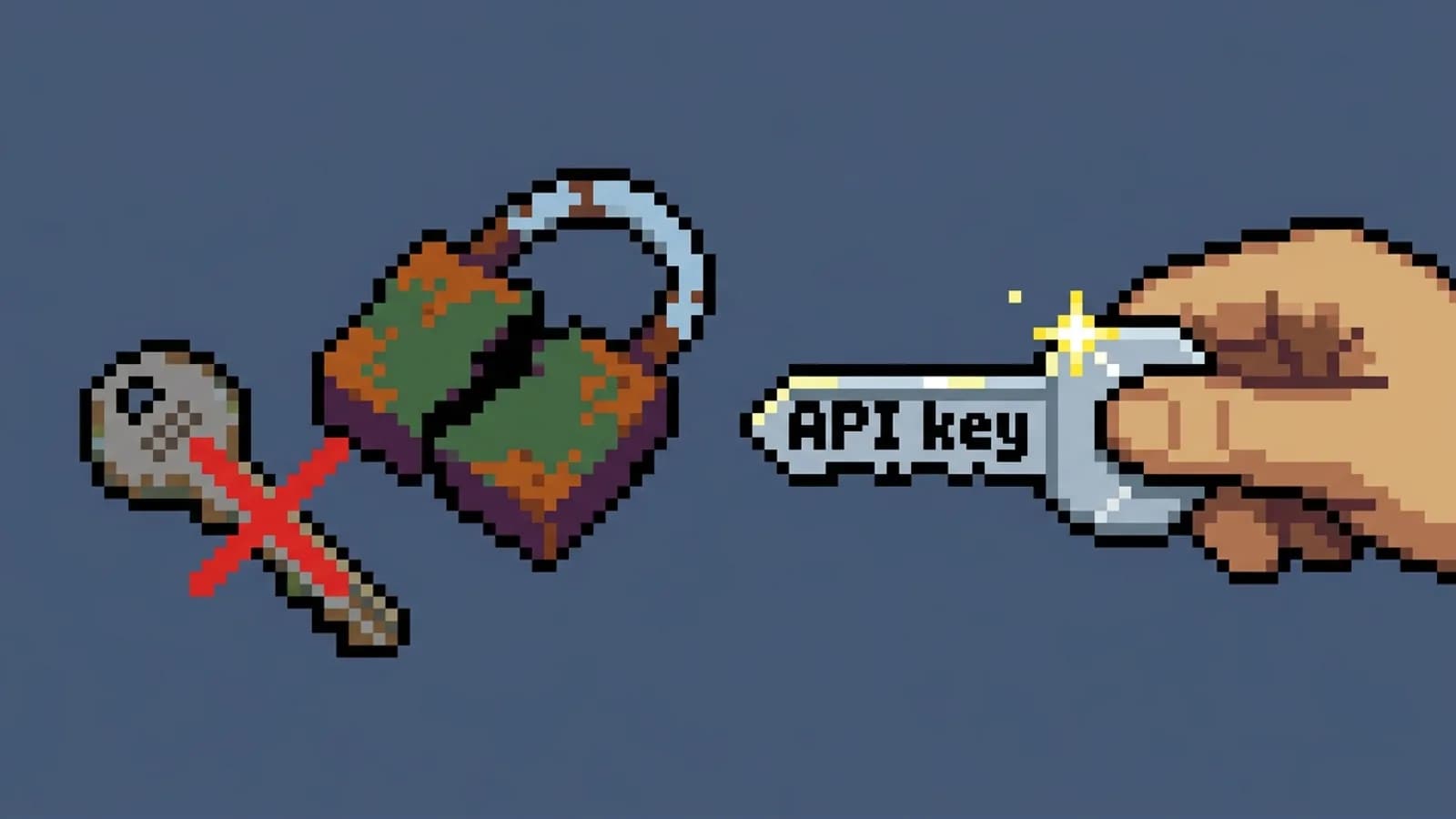
If OpenCode emailed you on 17 October with the subject "Action Required: Potential provider key breach", revoke the OpenAI, Anthropic or Google key you saved in OpenCode Console. Do it in the provider's own dashboard, not in OpenCode. Deleting the key from Console removes OpenCode's copy, but a key someone has already copied keeps working until the provider switches it off. Then create a new key, check your usage back to 16 October, and put a spend limit on the new one.
What happened at OpenCode
OpenCode is an open-source coding agent. Console is its optional hosted service: a team saves its own provider key there, and members use the models without ever seeing the key. On the night of 16 October 2026 an intruder reached what OpenCode calls a legacy system, and the keys saved in Console may have been exposed.
OpenCode says about 1.4% of Console users were affected, all of them with an outside provider linked, and it emailed them the next morning. It has not said how the intruder got in or confirmed that any key was copied. Some users have reported charges they did not make.
The OpenCode command-line and desktop apps are not affected. Keys added there are stored in a local database on your own machine and never reach OpenCode's servers.
The 5 steps for any leaked AI key
These steps follow OpenCode's email to affected users and apply to any OpenAI, Anthropic or Google key that leaked, from a tool's servers, a public repository or a screenshot.
- Revoke the key at the provider and create a new one. This is the only step that stops whoever holds a copy. Use the API keys page of the OpenAI, Claude or Google console.
- Put the new key in every app that used the old one: scripts, CI secrets, the agent's config and teammates' machines. Anything you miss stops working, which is how you find it.
- Check usage and billing back to the day of the leak, 16 October here. Look for models you do not use, traffic at odd hours and spend spikes. Note the dates if you need to dispute charges with the provider.
- Set a spend limit on the new key's project or workspace, so the next leak has a ceiling. How to stop runaway AI agent bills shows where the limit sits at each provider and what an alert does not do.
- Give each tool its own key. When a key lives in one place only, a leak there means one key to revoke and one tool to update.
Mark what you have done and see what is still open:
The old key still works
Anyone holding a copy can call the model on your bill. Deleting it from a tool's settings does not switch it off at the provider.
Your apps stop working
Every script, CI job and app that used the old key fails once it is revoked, or keeps using it if you have not revoked it yet.
Charges you did not make
Usage between the leak and the revoke is billed to you until you find it and raise it with the provider.
The next leak has no ceiling
A stolen key can spend until the account's own limits stop it.
One leak hits every tool
If the same key sits in several tools, a leak in one means revoking it, and breaking, all of them.
The key is gone from the tool but still works at the provider. Revoke it there first: that is the only step that stops whoever holds a copy.
Follows OpenCode's advice to the users it emailed in October 2026 and applies to any leaked OpenAI, Anthropic or Google key. Deleting a key in a tool and revoking it at the provider are different things.
Why a hosted key is a different risk
A coding agent that runs on your laptop with your key is exposed only through your laptop. A hosted service that stores keys for many teams is a single place that holds thousands of them, and attackers aim for exactly that. The same week, the poisoned LiteLLM 1.107.0 release went after the provider keys stored in LiteLLM proxies.
Hosted key storage is often worth it: members never see the key, and you revoke one key instead of many. When you use it, treat the service as part of your attack surface. Give it a key of its own with a spend limit, and keep a list of every machine key and who owns it, as described in what a non-human identity is. When the next email arrives, the list tells you which key to revoke and which apps to update, in minutes.
Questions
- What happened in the OpenCode Console breach?
- OpenCode says an intruder reached a legacy system on the night of 16 October 2026, and that OpenAI, Anthropic and Google API keys saved in OpenCode Console may have been exposed. About 1.4% of Console users, all with an outside provider linked, were affected and were emailed on 17 October. OpenCode has not said how the intruder got in or that any key was copied.
- Is the OpenCode CLI affected by the breach?
- No. OpenCode says the breach involves OpenCode Console, its optional hosted service, not the OpenCode command-line or desktop apps. Keys added in those apps are stored in a local database on your own machine and never reach OpenCode's servers.
- Does deleting my key from OpenCode Console protect me?
- No. Deleting the key from Console removes OpenCode's copy but does not switch the key off. Anyone who took a copy can keep using it until you revoke it in the provider's own dashboard at OpenAI, Anthropic or Google. Revoke it there, create a new one, and put the new key in every app that used the old one.
- What should I do if my AI API key was leaked?
- Revoke the key in the provider's dashboard and create a new one, update every app and script that used it, check usage and billing back to the day of the leak, then set a spend limit and give each tool its own key. Revoking comes first: it is the only step that stops whoever holds a copy.
Sources