How many Kafka partitions do you need?
Take the topic's throughput a year or 2 ahead and divide it by what 1 partition takes from producers and by what 1 consumer reads from 1 partition; create the larger number. 50 MB/s planned to double, at 10 MB/s a partition in and 5 out, is 20 partitions. Why to plan ahead, and the limits per broker.
Tecyfy · Published · 6 min read
A Kafka topic needs at least max(t ÷ p, t ÷ c) partitions, where t is its throughput a year or 2 ahead, p what 1 partition takes from producers and c what 1 consumer reads from 1 partition. A topic at 50 MB/s planned to double, with p at 10 MB/s and c at 5, needs max(100 ÷ 10, 100 ÷ 5) = 20 partitions.
That is Confluent's rule, and the rest of this article is how to get p, c and t, and why the number is set for the future and not for today.
What a partition is for
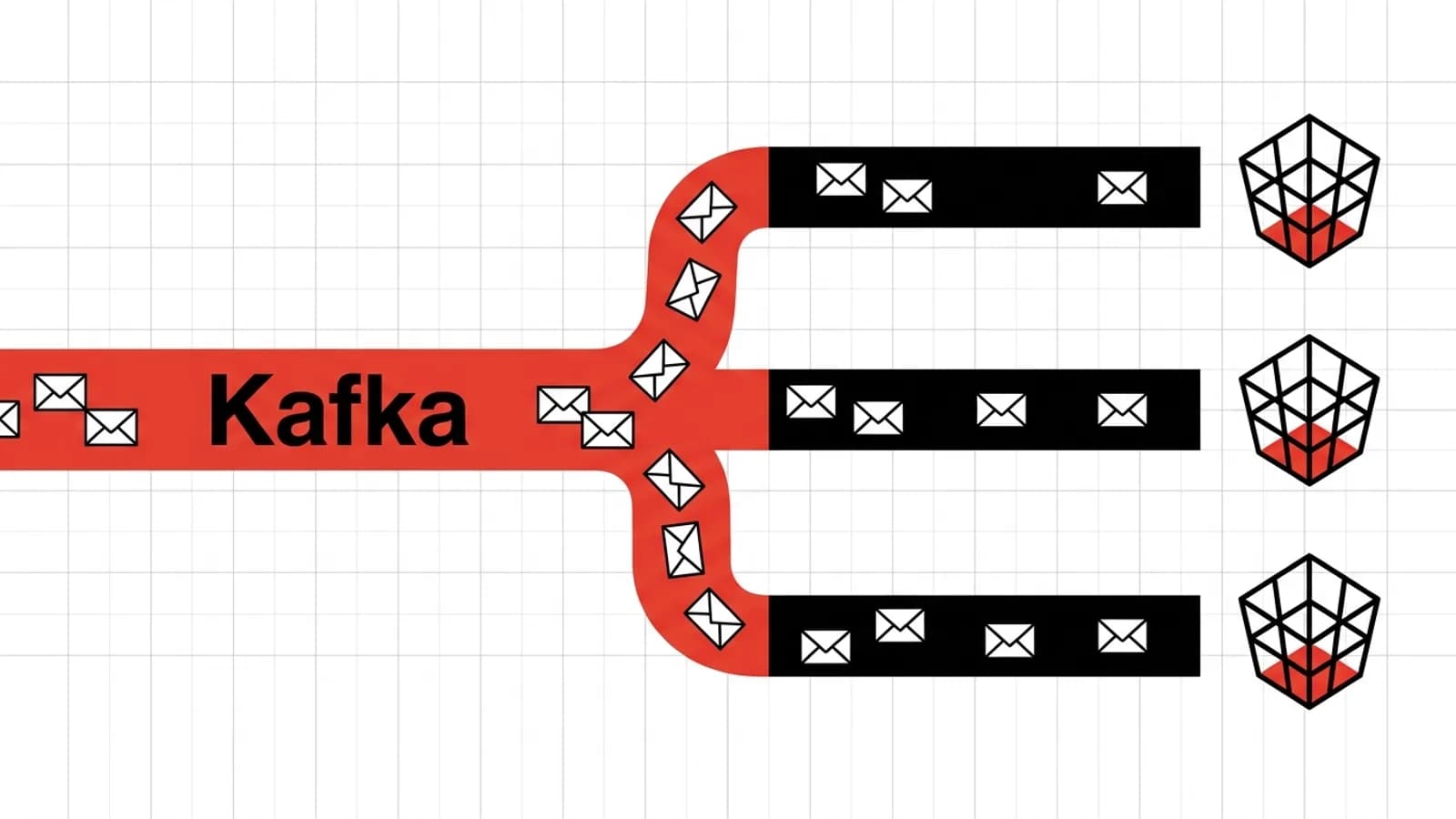
A topic is split into partitions, and a partition is Kafka's unit of parallel work. Producers write to many partitions at once, each on its own broker. In a consumer group, each partition is read by exactly 1 consumer at a time. So partitions set 2 ceilings:
- How fast producers can write. 1 partition takes only so much, so 2 partitions take about twice as much.
- How many consumers of a group can work at once. A topic of 20 partitions keeps at most 20 consumers of a group busy. A 21st sits idle.
The consumer side is usually the one that decides. A producer only appends; a consumer does the work: parses each message, writes to a database, calls a model.
Measure p and c
Confluent finds producers reach tens of MB a second on 1 partition, but the figure depends on batching, compression, the acks setting and the number of copies. Measure it with your own settings: Kafka ships kafka-producer-perf-test.sh for this.
For c, time your consumer, not Kafka. A consumer that writes each message to a database at 5,000 rows a second, with messages of 1 KB, reads 5 MB/s from a partition however fast Kafka can serve it.
Plan for 1 to 2 years ahead
A producer that sends a message with a key places it on the partition given by a hash of the key modulo the partition count. That is what keeps all of 1 customer's messages on 1 partition, in order.
Change the partition count and the modulo changes, so many keys move to a different partition. Kafka does not move the messages already written, so for a while the old messages of a key sit on 1 partition and its new ones on another, and a consumer can read them out of order. Kafka also cannot take partitions away again.
So Confluent's advice is to set the partitions for the traffic you expect in a year or 2, start with a small cluster, and add brokers as traffic grows (moving whole partitions to new brokers keeps every key where it was). Try it: plan for today only, then for twice today, and see how many keys a later change would move.
at the busiest time, as sent
measure it: batching, compression and acks change it
as fast as its own work allows
20partitions, against 10 for today's traffic
100 MB/s a year or 2 ahead (2× today's 50 MB/s) needs 10 partitions for the producers and 20 for the consumers, so 20. A consumer group keeps at most 20 consumers busy. Starting at today's 10 and adding partitions later would send 50% of keys to a different partition.
Partitions = max(t ÷ p, t ÷ c), Confluent's rule. Keys are placed by a hash of the key modulo the partition count, so a change in the count moves keys; the share here is from 20,000 sample keys. Kafka cannot take partitions away again.
Going from 10 to 20 partitions moves about half of all keys. Messages without a key avoid the problem: there is no key whose order has to hold, and the producer spreads them across partitions in batches.
The worked example
50,000 messages a second of 1,000 bytes is 50 MB/s. Planned for twice that, 100 MB/s:
- Producers at 10 MB/s a partition need 100 ÷ 10 = 10 partitions.
- Consumers at 5 MB/s a partition need 100 ÷ 5 = 20 partitions.
- Create the larger: 20 partitions, which with 3 copies is 60 partition replicas across the cluster.
Kept for 7 days in 3 copies, the same topic fills about 90.7 TB of disk, and on Amazon MSK that is what decides the brokers: 9 m7g.xlarge Standard brokers. The Kafka sizing calculator works out the brokers, disk and network for your own figures, on MSK Express, MSK Standard or your own hardware.
How many partitions per broker
More partitions are not free. Each takes a few tens of KB of the producer's memory for its batch. When a broker fails, every partition it led needs a new leader. And replicating many partitions from 1 broker to another adds latency: Confluent measured about 20 ms for 1,000.
Confluent's guidance in 2015 was 2,000 to 4,000 partitions per broker and the low tens of thousands per cluster, copies counted. That was written when ZooKeeper held Kafka's metadata; Kafka 4.0 removed ZooKeeper, and on current clusters the broker's own size usually sets the limit. Amazon MSK recommends 1,000 per broker on its m7g.large and m7g.xlarge Standard brokers, 2,000 on m7g.2xlarge and 4,000 from m7g.4xlarge up.
When you need more consumers than partitions
Classic consumer groups cannot use more consumers than there are partitions. Kafka 4.2 made share groups production-ready: several consumers read from the same partition and acknowledge each message on their own, like a work queue. They suit jobs where order between messages does not matter, such as sending emails or resizing images, and spare you from adding partitions only to add consumers.
For the full journey of a message from a Kafka topic to an AI answer, the data engineering subject follows a payment step by step. WatermarksWatermarkIn stream processing, a marker that says how far event time has got: data older than the latest event seen, less a set delay, is treated as too late, so windows can close and their state be freed. explain how a stream decides when late data has all arrived.
Questions
- How many partitions should a Kafka topic have?
- At least max(t ÷ p, t ÷ c), where t is the topic's throughput a year or 2 ahead, p what 1 partition takes from producers and c what 1 consumer reads from 1 partition. A topic at 50 MB/s planned to double, with p at 10 MB/s and c at 5, needs max(10, 20) = 20 partitions.
- Can you increase the number of Kafka partitions later?
- Yes, with kafka-topics.sh --alter --partitions, but Kafka places a keyed message by a hash of its key modulo the partition count, so the change sends many keys to a different partition and breaks the order of a key's messages across the change. Going from 10 to 20 partitions moves about half of all keys. Kafka cannot reduce the count again.
- How many partitions can a Kafka broker handle?
- Confluent's 2015 guidance, from the ZooKeeper days, was 2,000 to 4,000 per broker and the low tens of thousands per cluster, copies counted. Kafka 4.0 removed ZooKeeper, and today the limit is usually the broker's own size: Amazon MSK recommends 1,000 partitions on its smaller Standard brokers and 4,000 from m7g.4xlarge up.
- Can a consumer group have more consumers than partitions?
- It can, but in a classic consumer group each partition is read by exactly 1 consumer of the group, so consumers beyond the partition count sit idle. Share groups, production-ready since Kafka 4.2, let several consumers read the same partition with each message acknowledged on its own, for queue-like work where order does not matter.
- Is it bad to have too many Kafka partitions?
- It costs something. Each partition takes memory in the producer for its batch, more partitions per broker mean more leaders to move when a broker fails, and replicating many partitions between 2 brokers adds latency. Plan for the traffic you expect, not 10 times it.
Sources