Azure Data Lake Storage disaster recovery: failover, step by step
Azure Data Lake Storage Gen2 accounts on geo-redundant storage can now fail over to their secondary region, planned or unplanned, with the same endpoint names. What each redundancy option survives, how much an unplanned failover can lose, the Last Sync Time check, the commands, failing back, and what geo-redundancy does not protect against.
Tecyfy · Published · 8 min read
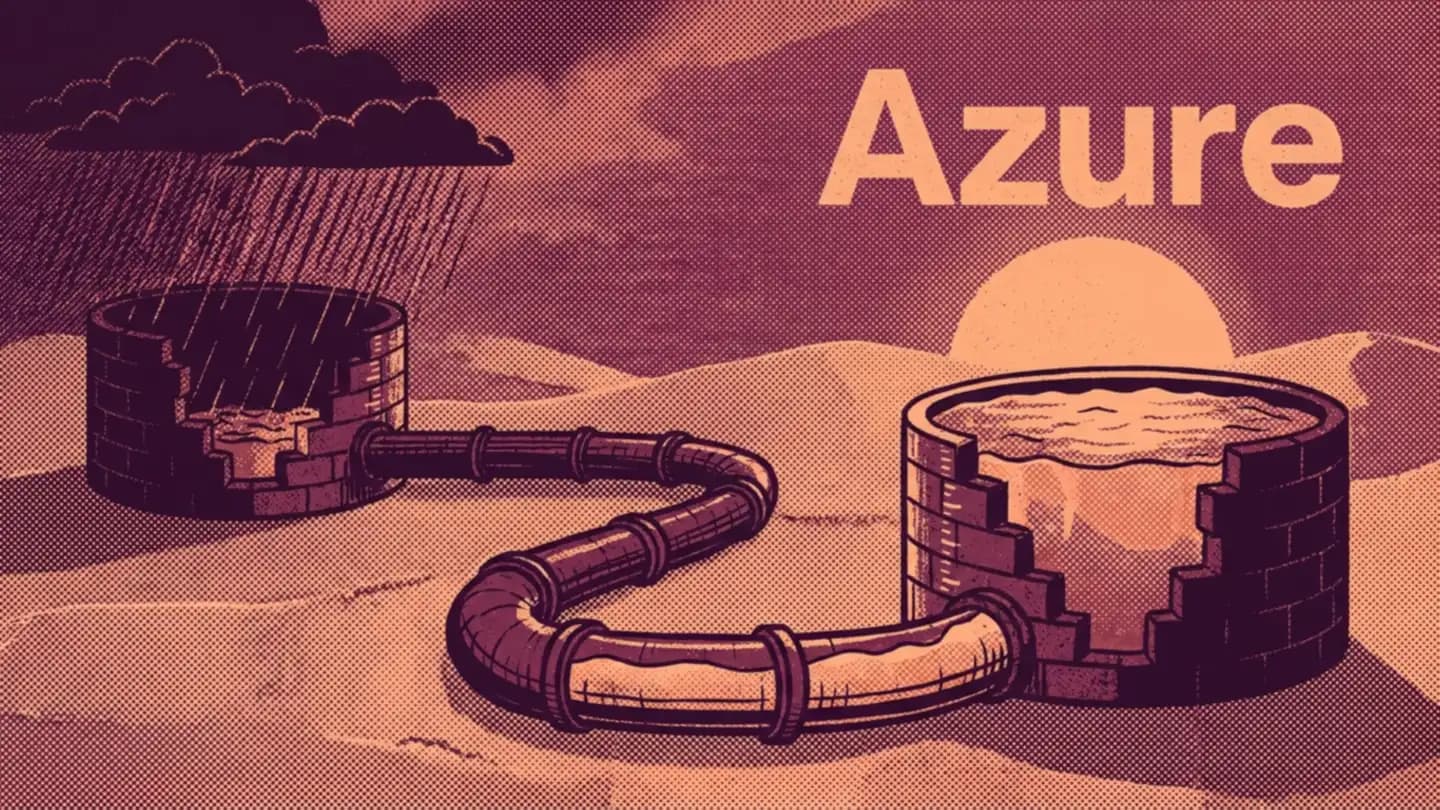
Yes, an Azure Data Lake Storage Gen2 account can fail over to another region. Accounts with a hierarchical namespace are supported for both kinds of customer-managed failover, planned and unplanned, as long as the account uses geo-redundant storage (GRS, RA-GRS, GZRS or RA-GZRS). The account keeps its endpoint names: Azure points the same dfs.core.windows.net address at the new region.
Many older answers say ADLS Gen2 cannot fail over, or only behind a preview flag. That is out of date. What has not changed is the hard part: deciding how much data you can afford to lose, and what replication does not protect you from.
What each redundancy option survives
| Option | Copies | Survives a disk or rack | A datacenter | A zone | A region | A mistaken delete |
|---|---|---|---|---|---|---|
| LRS | 3 in one datacenter | Yes | No | No | No | No |
| ZRS | 3 across zones | Yes | Yes | Yes | No | No |
| GRS / RA-GRS | 3 + 3 in a second region | Yes | Yes | After failover | After failover | No |
| GZRS / RA-GZRS | 3 across zones + 3 in a second region | Yes | Yes | Yes | After failover | No |
Microsoft recommends ZRS in the primary region for Data Lake workloads, so for a lake that must survive a region, GZRS is the usual pick. The "RA" versions add read access to the secondary through a -secondary endpoint while the primary is still up.
The data survives in the secondary region once you fail over. Writes after the Last Sync Time, about 40 GB here, may be lost and need replaying.
GRS keeps its primary copies in one datacenter, so it needs a failover for a datacenter or zone loss; GZRS spreads them across zones. A planned failover loses nothing; an unplanned one loses writes after the Last Sync Time. Blob versioning and point-in-time restore are not available with a hierarchical namespace.
3 kinds of failover
- Planned (customer-managed). Both regions are healthy. Azure finishes copying everything, then swaps primary and secondary. No data is lost, geo-redundancy is kept, and you fail back the same way. Use it to test your plan, and when a disaster such as a hurricane is forecast for the primary region.
- Unplanned (customer-managed). The primary region's storage endpoints are down and you choose to move. Writes not yet copied are lost. The account becomes locally redundant (LRS) in the new region and the copy in the old region is deleted.
- Microsoft-managed. Microsoft fails over a whole region only after a severe disaster, and never for a single account. Microsoft's own advice is not to rely on it.
A failover typically finishes in under an hour.
How much an unplanned failover loses
Replication to the secondary region is asynchronous. The account's Last Sync Time says up to when every write is safely in the secondary; anything after it may be lost. For ADLS accounts, the same Last Sync Time covers the namespace's metadata, including ACLs.
az storage account show \
  --name lakeprod --resource-group data-rg \
  --expand geoReplicationStats \
  --query geoReplicationStats.lastSyncTime
A worked example: a lake ingesting 200 GB an hour, with a Last Sync Time 12 minutes behind when the primary goes down, has about 40 GB of recent files at risk. If your pipelines can replay those 12 minutes from their sources (Kafka retention, the source database, files still in a landing zone), the loss is a re-run, not lost data. Log what each pipeline wrote and when, so you can compare it with the Last Sync Time and know exactly what to replay. For block blobs, Azure also sells geo priority replication, which keeps that gap at 15 minutes or less; check that it covers your account before you count on it.
One ADLS-specific caveat: replication works file by file, so after an unplanned failover, the files inside one directory may not all be from the same moment. A Delta Lake or Iceberg table whose newest data files arrived but whose log commit did not (or the other way round) needs checking before jobs write to it again.
The steps
Before anything goes wrong
- Put the lake on GZRS (or RA-GZRS).
- Turn on blob soft delete and container soft delete.
- Write down what each pipeline can replay, and for how long.
- Run a planned failover in a test account once, end to end, and time it.
On the day
- Check Azure's service health and any Azure Advisory about the outage.
- Read the Last Sync Time and decide whether the loss is acceptable.
- Fail over:
az storage account failover \
  --name lakeprod --resource-group data-rg \
  --failover-type unplanned
- Stop writers, check the newest table versions, replay the gap, then restart jobs. The endpoints are the same, so connection strings, mount points and Unity Catalog external locations keep their URLs.
Afterwards
- Turn geo-redundancy back on (the account is LRS now). That copies the whole lake to a secondary again, which takes time and costs network egress.
- When the original region is back, check the Last Sync Time again; failing back early can lose the data you wrote during the outage.
- Fail back with a planned failover.
What failover does not cover
- Mistakes and attacks. A deleted folder or a bad overwrite replicates like any other write. Soft delete is the protection here. Blob versioning, point-in-time restore and object replication are not available on accounts with a hierarchical namespace.
- Your compute. Failing over storage moves the data, not the Databricks workspace, Synapse, Fabric or Data Factory that reads it. They need their own plan in the secondary region, with network access to the account there.
- Some features. NFS 3.0 accounts cannot be geo-redundant, so they cannot fail over. Change feed and point-in-time restore are not supported in a planned failover.
What to do
Check the redundancy of your production lake today. Decide whether a region outage is a risk you must cover, move to GZRS if it is, and test a planned failover before you need an unplanned one. If you are also choosing where the lake's compute runs, Microsoft Fabric vs Databricks compares the 2 on Azure, and our data engineering course builds the pipelines that sit on top. The lake itself is explained in Data LakeData LakeCheap storage that holds data of any kind in its raw form, usually as files in cloud object storage, to be cleaned and structured later..
Questions
- Does Azure Data Lake Storage Gen2 support failover?
- Yes. Microsoft's failover documentation lists accounts with a hierarchical namespace (Azure Data Lake Storage) as supported for both customer-managed planned failover and customer-managed unplanned failover. The account must use geo-redundant storage: GRS, RA-GRS, GZRS or RA-GZRS.
- How much data can an ADLS failover lose?
- A planned failover waits until all data is synchronised, so it loses nothing. An unplanned failover can lose anything written after the account's Last Sync Time, because replication to the secondary region is asynchronous. For accounts with a hierarchical namespace, the Last Sync Time covers metadata such as ACLs too, but consistency across all files in a directory is not guaranteed.
- Do the storage endpoints change after an Azure storage failover?
- No. Azure updates the DNS entries so the account's existing endpoints, such as myaccount.dfs.core.windows.net, point to the new primary region. Clients keep the same address and can write once the failover completes.
- How long does an Azure storage account failover take?
- It varies, but typically less than an hour. After an unplanned failover, the account is locally redundant (LRS) in the new primary region and you have to turn geo-redundancy back on, which copies the data again and adds egress charges.
- Is geo-redundant storage a backup?
- No. Replication copies deletions and overwrites to the secondary region as well as good writes. For accidental deletes on ADLS Gen2, turn on blob and container soft delete. Blob versioning and point-in-time restore are not supported with a hierarchical namespace.
Sources
Where each fact comes from
- 1Azure storage disaster recovery planning and failover
- 2How customer-managed unplanned failover works
- 3How customer-managed planned failover works
- 4Initiate a storage account failover
- 5Check the Last Sync Time property for a storage account
- 6Azure Storage redundancy
- 7Blob storage feature support in Azure Storage accounts
- 8Soft delete for blobs