Spark cluster mode vs client mode: where the driver runs
In client mode, the Spark driver runs inside the spark-submit process on the machine you submit from; in cluster mode, the cluster starts it on one of its own nodes. That one choice decides whether closing your laptop kills the job, where the logs go and how driver memory is set. When to use each, on YARN, Kubernetes and standalone, and what Databricks and Spark Connect do instead.
Tecyfy · Published · 7 min read
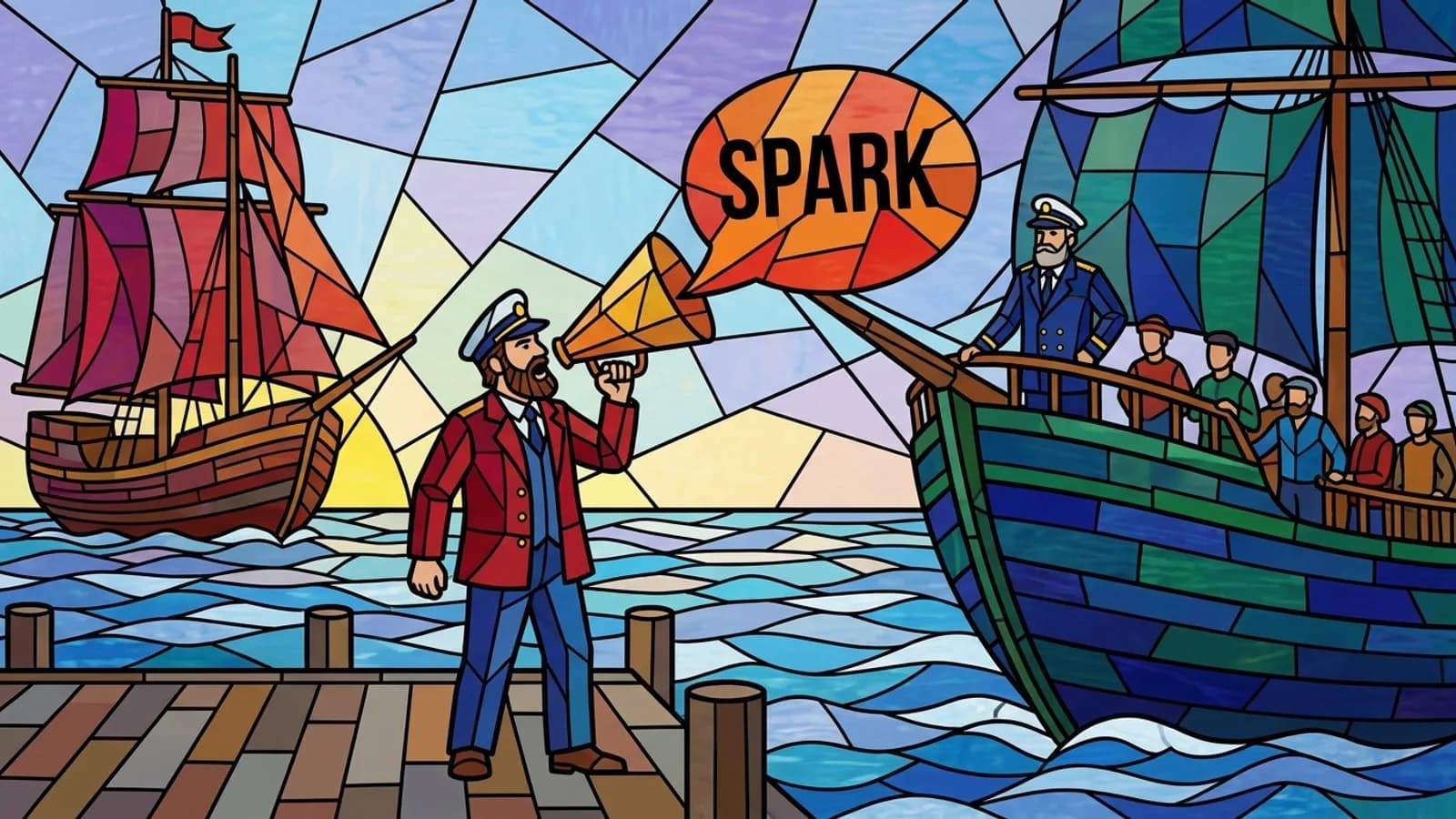
The deploy mode decides one thing: where the Spark driver runs. In client mode, the default, the driver runs inside the spark-submit process on the machine you submit from. In cluster mode, the cluster manager starts the driver on a node inside the cluster, and the machine you submitted from can go away.
The driver is the process that runs your main() or your Python script, plans the job, hands tasks to the executors and gathers results. The executors do the work either way. So the choice is not about speed of the executors; it is about what depends on your machine.
The difference in one table
| Client mode | Cluster mode | |
|---|---|---|
| Driver runs | In spark-submit, on the submitting machine | On a node in the cluster |
| Submitting machine can disconnect | No: the job dies with it | Yes, once the application starts |
| Driver output and errors | In your console | In the cluster's logs |
| Executors must reach | Your machine, the whole time | A node in the cluster |
| Good for | spark-shell, pyspark, notebooks, debugging | Scheduled and production jobs |
| Set with | --deploy-mode client (default) | --deploy-mode cluster |
# Client mode: the driver runs here, output in this terminal
spark-submit --master yarn --deploy-mode client daily_orders.py

# Cluster mode: YARN starts the driver in an application master on the cluster
spark-submit --master yarn --deploy-mode cluster --driver-memory 4g daily_orders.py
Job runsFar from the executors
Client mode from a laptop: It works, but every result and heartbeat crosses the link to your laptop.
Client mode is spark-submit's default. Standalone clusters cannot run Python applications in cluster mode. On Databricks the driver always runs on the cluster's driver node.
Why the driver's place matters
The driver does not just start the job and leave. It must accept connections from its executors for its whole life, so it must be reachable from every worker, and because it schedules every task it should sit close to them, ideally on the same local network. 3 practical consequences follow.
A laptop makes a poor driver. In client mode from a laptop on home Wi-Fi, every task result and every heartbeat crosses that link. Closing the lid or losing the VPN for a minute kills the driver, and with it the job. Spark's own guidance is to use cluster mode when you submit from a machine far from the workers.
Firewalls break client mode first. The executors open connections back to the driver. If your machine sits behind a firewall or NAT that blocks those connections, the executors cannot reach the driver and the job cannot run. On Kubernetes in client mode, the driver needs a hostname and port the executor pods can route to; a driver in a pod usually gets a headless service and sets spark.driver.host and spark.driver.port.
collect() lands on the driver. Results of collect(), toPandas() and similar actions come back to the driver. In client mode that is your machine's memory. spark.driver.maxResultSize (1 GB by default) aborts the job before it gets that far, which protects the driver but does not make the data smaller.
Logs and memory work differently
Logs. In client mode, the driver's output and stack traces appear in your terminal. In cluster mode they go to the cluster: on YARN, fetch them with yarn logs -applicationId <id> once log aggregation is on, or read them in the Spark UI.
Driver memory. In client mode, the driver's JVM is already running by the time your code runs, so setting spark.driver.memory from inside the application does nothing. Pass --driver-memory to spark-submit or put it in spark-defaults.conf. On YARN in client mode there is also a small application master that only asks YARN for executors; spark.yarn.am.memory (512 MB) sizes it. In cluster mode the application master is the driver, sized by spark.driver.memory.
Each cluster manager
- YARN: both modes. Cluster mode runs the driver inside the YARN application master, and the client may exit after the application starts.
- Kubernetes: cluster mode runs the driver in its own pod. Client mode works, with the routing above; set
spark.kubernetes.driver.pod.namewhen the driver itself runs in a pod, so executor pods are cleaned up with it. - Standalone: cluster mode is not supported for Python applications, so PySpark on a standalone cluster runs in client mode. For JVM jobs in cluster mode,
--superviserestarts a driver that exits with an error.
Databricks and Spark Connect: the question goes away
On classic Databricks compute you never choose. The driver always runs on the cluster's own driver node, which holds the SparkContext, runs every notebook command and coordinates the executors. If a notebook collects a lot of data, choose a larger driver node type; that is the Databricks version of "driver memory". Our Spark cluster calculator sizes the executors and leaves room for the driver.
Spark Connect, added in Spark 3.4, splits things differently: a thin client sends DataFrame plans over gRPC to a Spark server that holds the driver. Your Python runs locally and the driver stays on the cluster, next to its executors. Databricks Connect is built on it, which is how an IDE on a laptop runs Spark on Databricks without becoming the driver.
Which to use
- Interactive work (
pyspark,spark-shell, a notebook, debugging a failing stage): client mode, ideally from a gateway machine inside the cluster's network. - Anything scheduled (Airflow, cron, CI): cluster mode. The scheduler's machine only submits; a restart of it does not kill running jobs.
- From a laptop: cluster mode for jobs, or Spark Connect for interactive work.
- PySpark on a standalone cluster: client mode, from a machine next to the cluster.
Once the job runs, the next question is the work inside it. How Spark runs a job in our free course follows the driver, stages and tasks; the shuffle partition calculator and Spark out of memory cover the 2 settings that most often fail it. Driver and executor memory are explained in Spark Executor MemorySpark Executor MemoryThe memory each Spark worker process gets: a Java heap, split into a shared pool for shuffles, joins and cached data and a pool for your own objects, plus overhead outside the heap..
Questions
- What is the difference between client mode and cluster mode in Spark?
- Where the driver runs. In client mode the driver runs inside the spark-submit process on the machine you submit from, and its output appears in your console. In cluster mode the cluster manager starts the driver on a node inside the cluster, and the submitting machine can disconnect once the application is launched.
- What is the default deploy mode in spark-submit?
- Client. spark-submit runs the driver locally as an external client unless you pass --deploy-mode cluster.
- When should I use cluster mode in Spark?
- For scheduled and production jobs, and whenever you submit from a machine far from the cluster, such as a laptop or a CI runner. The driver then sits next to the executors, and the job does not depend on the submitting machine staying up.
- When should I use client mode in Spark?
- For interactive work, such as spark-shell, pyspark or a notebook, where you want results in your own console, and when you submit from a gateway machine on the same network as the workers. The submitting machine must stay up and reachable by the executors for the whole job.
- Does Databricks use client mode or cluster mode?
- Neither choice is exposed. On classic Databricks compute the driver always runs on the cluster's driver node, which holds the SparkContext and runs notebook commands. From your own machine, Databricks Connect sends DataFrame plans to the cluster through Spark Connect, so your code runs locally but the Spark driver stays on Databricks.
Sources
Where each fact comes from
- 1Submitting Applications (Spark 4.2.0)
- 2Cluster Mode Overview (Spark 4.2.0)
- 3Running Spark on YARN (Spark 4.2.0)
- 4Running Spark on Kubernetes (Spark 4.2.0)
- 5Spark Standalone Mode (Spark 4.2.0)
- 6Spark Configuration (Spark 4.2.0)
- 7Spark Connect Overview (Spark 4.2.0)
- 8Compute configuration reference
- 9What is Databricks Connect?