RAG: AI that answers from your documents
Know how an AI app finds the right page in your documents, what it sends the model, and where the answer can still go wrong.
How retrieval-augmented generation works, step by step, on one washer manual: preparing the documents, the search that finds the right page, the message the model receives and the answer you can check. Then the 3 ways to build one, tested side by side.
The lessons, in order
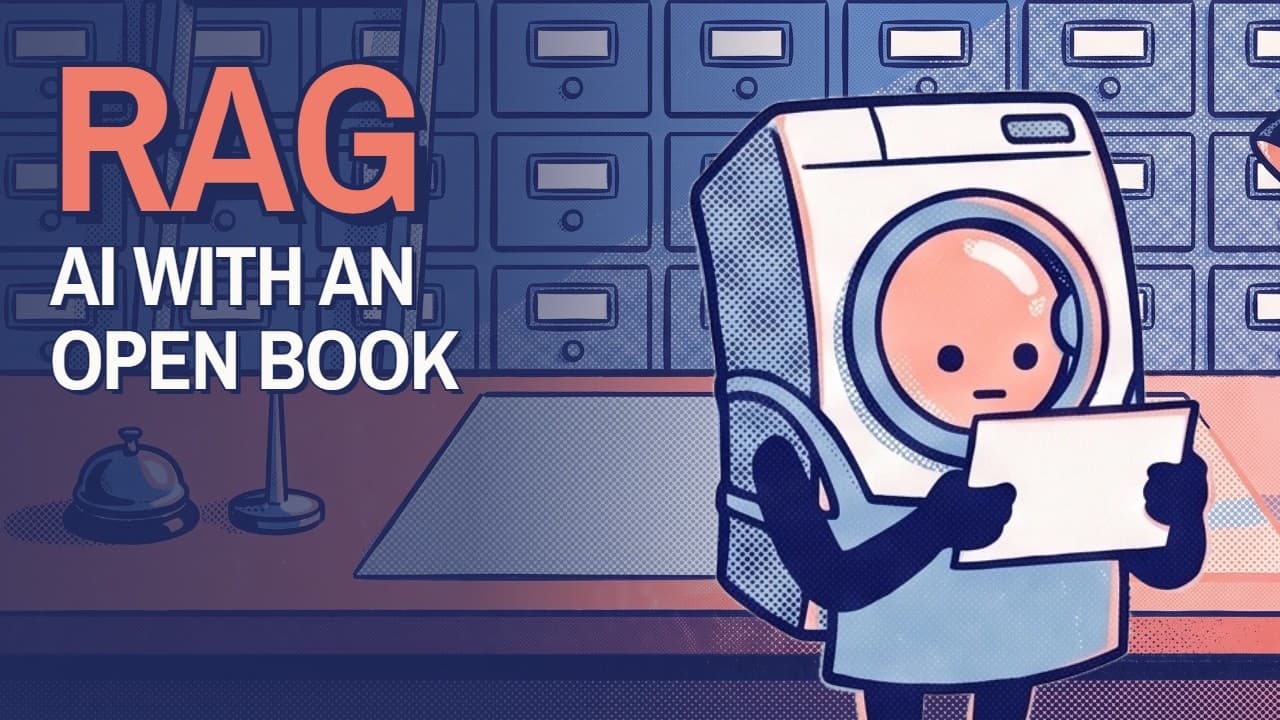
What is RAG? How AI answers from your own documents
9 min read · 11 chapters · 11 short clips
RAG, retrieval-augmented generation, is how an AI app answers from documents the model never read. It finds the right pages, adds them to your question and has the model answer from them. This lesson follows one question through the 4 steps, shows the message the AI really receives, and names the 3 ways it still goes wrong.
- A washer error that no AI could answer1:29
- RAG is an open-book exam1:15
- Why not paste the whole manual?1:27
- Step 1: prepare the documents1:28
- Step 2: retrieve the closest pages1:16
- Step 3: the message the AI really receives1:14
- Step 4: an answer you can check1:21
- Where you already use RAG1:00
- 3 ways RAG still gets it wrong1:20
- The 4 steps, and a quick test59 s
- RAG makes AI informed, not smarter48 s
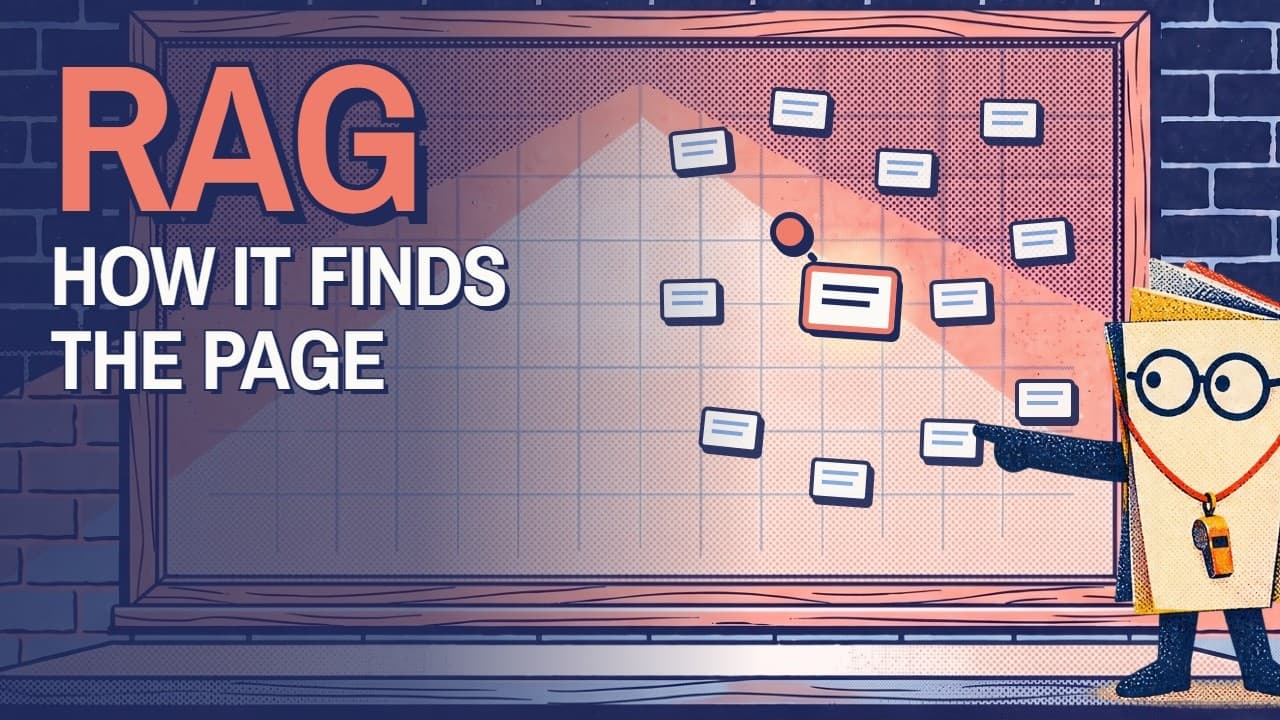
How RAG search works: embeddings, hybrid search, reranking
11 min read · 10 chapters · 6 short clips
How does a RAG app find the right page when your words are not the document's words? This lesson runs one washer manual through a real search, from keyword search to embeddings and cosine similarity, shows where meaning search is blind, and tests the 3 fixes builders use, hybrid search, context notes and a reranker, with the scores we got.
Every lesson has the same 4 parts
Watch
The full video, and a short clip at each chapter if you only want that part.
Read
The longer explanation, with the sums worked out and a link to the source of every fact.
Try it
An experiment you run in your own AI assistant, with prompts to copy and what to look for.
Check
3 questions that put the idea in a new situation, each with the reason for its answer.