BigQuery on-demand vs editions: when paying for slots is cheaper
On-demand BigQuery charges $6.25 per TiB scanned; editions charge per slot-hour of compute, from $0.04 on Standard. Which is cheaper depends on one number you can measure: slot-hours used per TiB scanned. Below 104 it favours Enterprise, below 156 Standard. The query that finds your number, and 2 teams whose answers come out opposite.
Tecyfy · Published · 8 min read
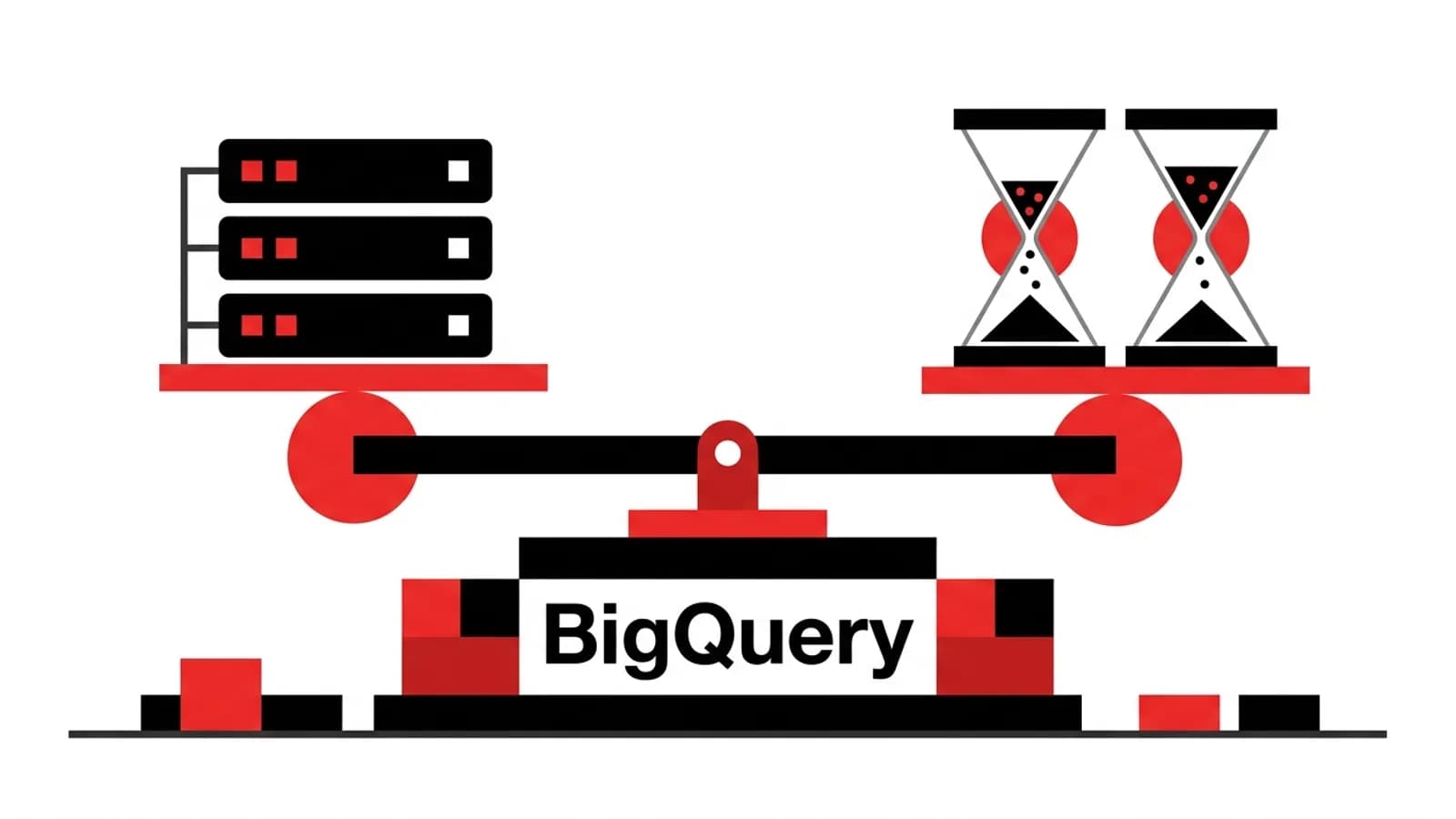
BigQuery on-demand charges for the data your queries scan: $6.25 per TiB in the US, with the first TiB each month free. BigQuery editions charge for compute, in slot-hours: $0.04 on Standard, $0.06 on Enterprise and $0.10 on Enterprise Plus, whatever the queries scan. So the cheaper model depends on 1 ratio: how many slot-hours your queries use for each TiB they scan. Below 156 slot-hours per TiB, Standard is cheaper; below 104, Enterprise is. You can measure the ratio from your own query history in a few minutes.
Where the break-even comes from
One TiB scanned on demand costs $6.25. The same $6.25 buys:
| Edition | Price per slot-hour | Slot-hours for $6.25 |
|---|---|---|
| Standard | $0.04 | 156 |
| Enterprise | $0.06 | 104 |
| Enterprise Plus | $0.10 | 62.5 |
A query that scans a lot but does little with it, such as a filter over a wide table, uses few slot-hours per TiB, so slots win. A query that scans little but joins, sorts and aggregates heavily uses many, so on-demand wins. Most teams have both kinds, which is why the answer has to come from their own history.
Move the 2 numbers for your month and see which side wins:
67 slot-hours per TiB: Standard is cheapest at $80, against $181 on demand. Add a margin before switching: autoscaling bills in 50-slot steps for at least a minute.
US list prices, pay as you go, no commitments. The break-even lines are $6.25 divided by each edition's slot-hour price.
Measure your own ratio
Every query's slot use and billed bytes are in the INFORMATION_SCHEMA.JOBS view, kept for 180 days:
SELECT
  SUM(total_bytes_billed) / POW(1024, 4)          AS tib_billed,
  SUM(total_slot_ms) / (1000 * 60 * 60)           AS slot_hours,
  SAFE_DIVIDE(SUM(total_slot_ms) / 3600000,
              SUM(total_bytes_billed) / POW(1024, 4)) AS slot_hours_per_tib
FROM `region-us`.INFORMATION_SCHEMA.JOBS
WHERE job_type = 'QUERY'
  AND creation_time >= TIMESTAMP_SUB(CURRENT_TIMESTAMP(), INTERVAL 30 DAY);
Run it per project, and again grouped by user or service account: a single dashboard that refreshes every 5 minutes can decide the answer on its own.
2 teams, opposite answers
The reporting team. 30 TiB scanned in a month, 2,000 slot-hours used: about 67 slot-hours per TiB.
- On demand: (30 − 1 free) × $6.25 = $181.25
- Standard: 2,000 × $0.04 = $80, Enterprise: $120
Slots are cheaper, even before commitments.
The data science team. 200 TiB scanned, 40,000 slot-hours of heavy joins and window functions: 200 slot-hours per TiB.
- On demand: 199 × $6.25 = $1,243.75
- Standard: 40,000 × $0.04 = $1,600, Enterprise: $2,400
On-demand is cheaper, and moving to slots would raise the bill by a third or more.
The margin you need
The measured slot-hours are what queries used. An autoscaling reservation bills for what it holds:
- It grows in steps of 50 slots and keeps new capacity for at least 60 seconds, so a 5-second query can pay for 50 slots for a minute.
- Billing is per second with a 1-minute minimum.
- Baseline slots are billed all the time, busy or idle.
So treat the measured ratio as a floor and add a margin. If slots only win by 10% on paper, stay on demand. If they win by half, as for the reporting team, switch, set the autoscaler's maximum, and compare the first full month's bill with your estimate. Idle baseline slots can be shared with other reservations in the same admin project, which helps a company with several teams more than a single one.
Other things that change the answer
- Commitments: 1 or 3-year commitments on Enterprise and Enterprise Plus lower the slot-hour price, which moves the break-even up. Only commit to a baseline you use every hour.
- Scanning less helps both: partitioning and clustering cut bytes on demand and slot time under editions alike. Do that first; the partitioningData Partitioning and ClusteringTwo ways to lay out a large table so a query reads only the files it needs: partitioning splits it by a column such as the date, clustering keeps similar values in the same files. concept page explains why.
- The free tier: the first TiB each month is free only on demand, which matters to small projects and not at all to large ones.
- Concurrency: on-demand projects share up to 2,000 slots. If heavy queries queue at busy hours, a reservation also buys predictability, not only price.
Our BigQuery cost calculator prices both models in every region, with storage and streaming, and Snowflake vs BigQuery sets the same workload against a Snowflake warehouseData WarehouseA database built for analysis: cleaned, structured data from many systems, kept in one place and shaped for fast reports and dashboards..
Questions
- What is the difference between BigQuery on-demand and editions pricing?
- On-demand charges for the data each query scans, $6.25 per TiB in the US with the first TiB each month free. Editions (Standard, Enterprise and Enterprise Plus) charge for compute capacity, in slot-hours, whatever the query scans. On-demand suits light or unpredictable use; editions suit heavy, steady use and queries that scan a lot but compute little.
- When are BigQuery slots cheaper than on-demand?
- When your queries use fewer slot-hours per TiB scanned than the break-even: 156 on Standard ($0.04 a slot-hour), 104 on Enterprise ($0.06) and 62.5 on Enterprise Plus ($0.10), at US prices. Measure your own ratio from INFORMATION_SCHEMA.JOBS with total_slot_ms and total_bytes_billed, and leave a margin, because autoscaling bills capacity it holds rather than slots used.
- How much does a BigQuery slot cost?
- In the US (us-central1), $0.04 per slot-hour on Standard edition, $0.06 on Enterprise and $0.10 on Enterprise Plus, pay as you go. 1 or 3-year commitments lower the Enterprise and Enterprise Plus rates. Billing is per second with a 1-minute minimum.
- How do I see how many slots my BigQuery queries use?
- Query the region's INFORMATION_SCHEMA.JOBS view: total_slot_ms is the slot milliseconds each job used, and total_bytes_billed is what on-demand would bill. Divide the summed slot milliseconds by 3,600,000 for slot-hours. The view keeps 180 days of history.
Sources