Google's Agentic Data Cloud: cross-cloud lakehouse, BigQuery Graph and multimodal tables
Google's Agentic Data Cloud is its name for BigQuery, its lakehouse, its databases and the catalog that feeds AI agents. 3 parts change what a data engineer can do today: querying Iceberg tables in AWS or Azure without copying them, graph queries over ordinary tables, and images and documents in the same row as the data about them.
Tecyfy · Published · 9 min read
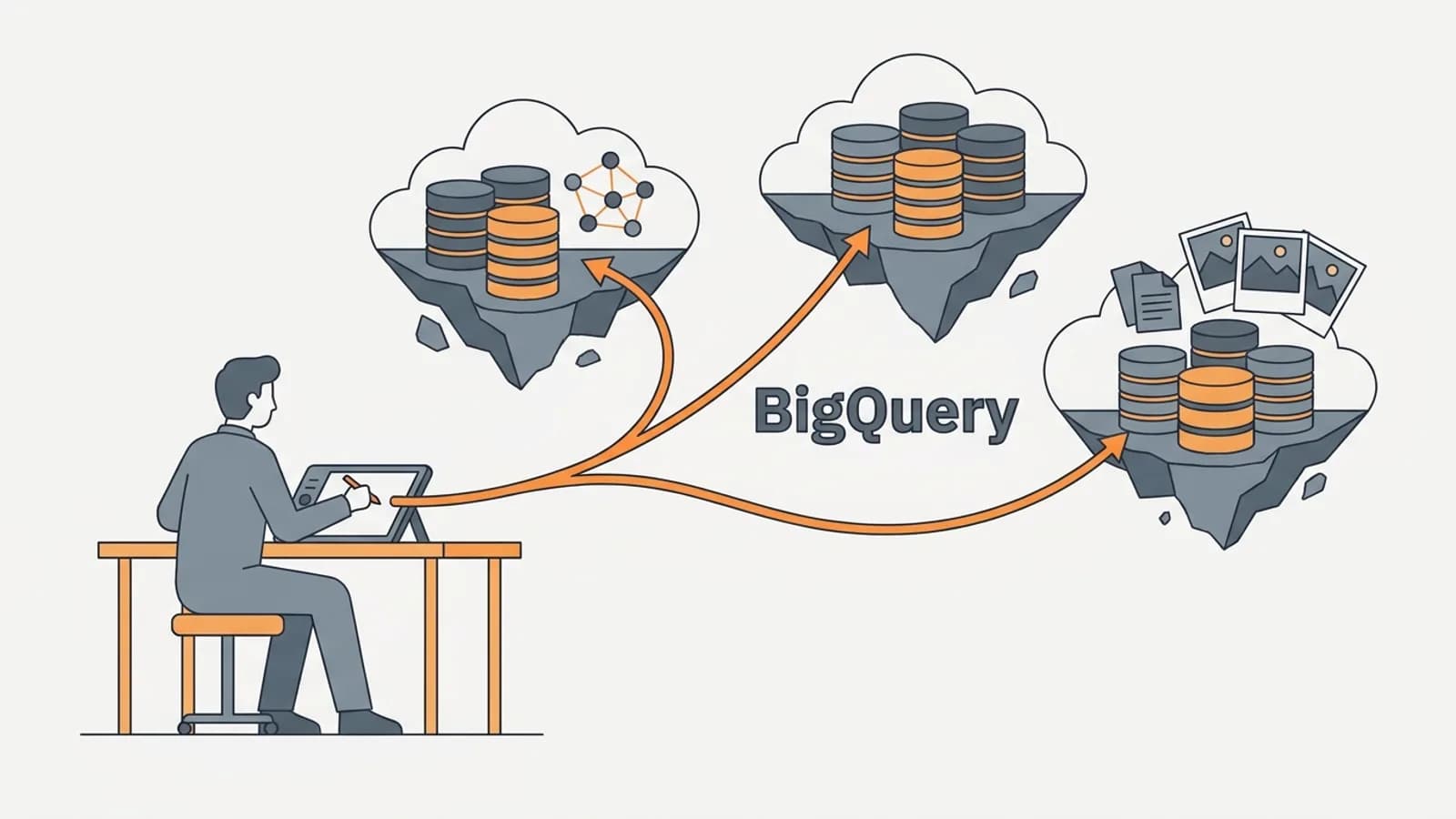
Google's Agentic Data Cloud is the name Google now gives to BigQuery, its Iceberg lakehouse, its databases and Knowledge Catalog working together for AI agents. It is a set of products, not one switch. For a data engineer, 3 parts that are generally available today change what you can build: BigQuery can query Iceberg tables that live in AWS or Azure without copying them, BigQuery Graph runs graph queries over the tables you already have, and an ObjectRef column puts an image or PDF in the same row as the data about it.
Most of the rest of the 5 November announcement is in preview, so it helps to sort the list before planning around it.
| Part | What it does | Status |
|---|---|---|
| Cross-cloud data access | Query Iceberg tables in AWS, Azure and other catalogs from BigQuery or Spark | GA (2 Nov 2026) |
| Cross-cloud caching | Keeps the file blocks a query read in your Google Cloud region | GA, off by default |
| BigQuery Graph | GQL queries over node and edge tables | GA, now on on-demand pricing |
ObjectRef and OBJ.LIST | Files in Cloud Storage as columns that AI functions read | GA |
| Trusted semantic models in Knowledge Catalog | Agents use metrics defined in LookML, dbt, Databricks, Snowflake or SAP | GA |
| Data Agent Kit | BigQuery tools in VS Code, Claude Code and Antigravity through MCP | GA |
| Self-learning Knowledge Catalog, Knowledge Catalog on by default in Gemini | Catalog fills in business context from documents and use | Preview |
| AlloyDB Express, TimesFM 3.0, TabFM | An AlloyDB that starts in under 2 seconds, for building agents; forecasting and predictive models from Google Research inside BigQuery | Preview |
Query AWS and Azure data in place
Cross-cloud data access lets BigQuery, and Spark on Google Cloud, read Apache Iceberg tables where they already are. It works in 2 layers that you can route separately.
The metadata layer connects to the remote catalog over its Iceberg REST endpoint and copies the table metadata, not the files, on a refresh interval. Supported catalogs are Databricks Unity Catalog (on AWS, Azure or Google Cloud), AWS Glue, Snowflake Horizon Catalog (on AWS, Azure or Google Cloud), Workday Data Lake and SAP Business Data Cloud. For Unity Catalog, BigQuery can pass the end user's identity through, so Unity Catalog's own permissions and audit logs still apply.
The transport layer reads the data files. By default that goes over the public internet with TLS, and the remote cloud charges its normal internet egress. With a Dedicated or Partner Cross-Cloud Interconnect, the reads travel privately, which Google's documentation says can cost less in egress and gives more predictable latency. The metadata traffic can go private too, separately from the data.
Then switch on caching, because it is off by default. With it on, the first query fetches file blocks from S3 or Azure and keeps them in the Google Cloud region where the query ran, and later queries over the same blocks read the copy. A dashboard that reads the same Iceberg table all day can then read most of it from the local copy instead of from the other cloud on every refresh.
This is the piece to try if your lakehouse lives in Databricks or Snowflake on AWS and a team wants BigQuery, Looker or Gemini on top of it. Without it, that takes a copy pipeline and a second set of tables to keep in step. If you are deciding between platforms rather than joining them, our Snowflake vs BigQuery comparison sets them side by side, and Open Table FormatOpen Table FormatA published way of storing a table as plain data files plus a log of changes, so many engines can read and safely write it. Delta Lake and Apache Iceberg are the best known. explains why Iceberg makes this possible at all.
Graph queries over the tables you have
BigQuery Graph lets you mark some tables as nodes and others as edges, then query the relationships with GQL, the ISO graph query language. The graph is a view: nothing is copied into a separate graph database, and a query reads the tables as they are at that moment.
Say you have customers, the cards they pay with, and which customer used which card. In SQL, "customers who share a card with a customer we flagged" is a self-join; 2 or 3 hops further out it becomes a recursive query nobody wants to maintain. As a graph:
CREATE OR REPLACE PROPERTY GRAPH shop.PaymentsGraph
  NODE TABLES (
    shop.customers,
    shop.cards
  )
  EDGE TABLES (
    shop.customer_cards
      SOURCE KEY (customer_id) REFERENCES customers (customer_id)
      DESTINATION KEY (card_id) REFERENCES cards (card_id)
      LABEL PaysWith
  );

GRAPH shop.PaymentsGraph
MATCH (flagged:customers {is_flagged: TRUE})-[:PaysWith]->(card:cards)
      <-[:PaysWith]-(other:customers)
WHERE other.customer_id != flagged.customer_id
RETURN flagged.customer_id, card.card_id, other.customer_id AS shares_card;
The node and edge tables are ordinary BigQuery tables, with their primary and foreign keys declared NOT ENFORCED as in Google's own example. In a notebook, %%bigquery --graph draws the result as a graph instead of a table. One trap: BigQuery does not stop you from dropping or changing a table a graph uses, and the graph's queries then fail. Treat the graph definition as part of the tables' schema and change them together.
Billing moved quickly this year, and it decides whether you can use the feature today:
BillingRelease
- 9 Apr 2026BigQuery Graph in preview: graphs over existing tables, queried with GQL.
- 27 Aug 2026Core graph processing to need an Enterprise or Enterprise Plus reservation.
- 31 Aug 2026BigQuery Graph generally available, with CALL and path checks such as IS_ACYCLIC.
- 6 Nov 2026GQL queries run on on-demand pricing too.
- 26 Apr 2027Last day allowlisted users can run core graph processing on Standard edition.
Dates from BigQuery's release notes. Standard edition reservations cannot run GQL; on-demand, Enterprise and Enterprise Plus can. Source: Google Cloud, BigQuery release notes.
So GQL runs on on-demand pricing, or on an Enterprise or Enterprise Plus reservation, and not on Standard edition. If your project runs on a Standard reservation, either move graph work to a project billed on demand or check the edition sums in our BigQuery on-demand vs editions guide. Storage is charged once, for the underlying tables, however many graphs sit on top. BigQuery Graph also shares its schema and query language with Spanner Graph, so a graph built for live lookups in Spanner can be analysed in BigQuery without rewriting queries.
Images and documents in the same row
An ObjectRef is a column type that points to a file in Cloud Storage: its URI, its version, the connection BigQuery uses to read it, and metadata such as content type and size. Put one in a products table and each product's photo sits in the same row as its price. The AI functions, AI.GENERATE, AI.IF, AI.CLASSIFY, AI.EMBED and the rest, read ObjectRef values directly.
OBJ.LIST is the quickest start: it lists the files under a Cloud Storage path as rows, each with an ObjectRef, with no table to create first. Here it finds scanned invoices that mention a late fee:
SELECT uri, size
FROM OBJ.LIST('gs://acme-finance/invoices/2026/*.pdf')
WHERE AI.IF(('Does this invoice charge a late payment fee?', ref));
For a list that keeps itself current as new files land, create an object table instead. To attach files to rows you already have, OBJ.MAKE_REF(uri) turns a column of gs:// paths into ObjectRefs.
Access works in one of 2 ways. If the ObjectRef has no connection (its authorizer is NULL), the person running the query needs read access to the files themselves. If it names a connection, the query hands file access to that connection, whose service account an administrator has given read access to the bucket. That is delegated access, and it can reach files in another project. Choose deliberately: with delegated access, who can query the table matters as much as who can read the bucket. And store ObjectRef values, not the read URLs made from them, because those URLs expire after 6 hours at most.
This is where data work and AI work meet. Reading a folder of PDFs with a model, which used to mean exporting them to a separate service and loading the answers back, becomes a SQL query. Our course module on data for AI covers what to do with documents once you can read them.
What to try first
Pick the one that removes a pipeline you already run. If you copy Iceberg tables from S3 into BigQuery every night, cross-cloud access with caching may replace that job; turn caching on and compare the egress bill after a week. If you have a recursive query for hierarchies, fraud rings or lineage, rewrite it as a graph on an on-demand project. If you export documents to a separate service to read them, try OBJ.LIST with an AI function on a small folder first, because every file is a model call. For the query side of the bill, our BigQuery cost calculator prices on-demand and edition queries in every region. The preview parts, the self-learning catalog above all, are worth reading about, but not worth building on until they reach general availability.
Questions
- What is Google's Agentic Data Cloud?
- It is Google's name for its data products working together for AI agents: BigQuery, the Lakehouse built on Apache Iceberg, AlloyDB, Spanner and Knowledge Catalog, which gives agents the business context to answer from. It is a set of products, not one service you turn on.
- Can BigQuery query data in AWS or Azure without copying it?
- Yes. Lakehouse cross-cloud data access, generally available since 2 November 2026, reads Apache Iceberg tables listed in Databricks Unity Catalog, AWS Glue, Snowflake Horizon Catalog, Workday Data Lake or SAP Business Data Cloud, over the internet or a private Cross-Cloud Interconnect. You can opt in to caching the file blocks it reads in your Google Cloud region.
- Is BigQuery Graph available on on-demand pricing?
- Yes, since 6 November 2026. GQL queries run on on-demand pricing or on an Enterprise or Enterprise Plus reservation, not on Standard edition.
- Does BigQuery Graph copy my data into a graph database?
- No. A graph is a logical view over existing tables: you name which tables are nodes and which are edges, and queries read the tables as they are when the query runs. Storage is charged once, for the tables.
- What is an ObjectRef in BigQuery?
- An ObjectRef is a STRUCT column that points to a file in Cloud Storage, with its URI, version, the connection used to read it and its metadata. It lets an image or PDF sit in the same row as the data about it, and AI functions such as AI.GENERATE and AI.IF can read it directly.
- Does cross-cloud querying from BigQuery cost egress?
- The remote cloud still charges for data leaving it. Google's documentation says a private interconnect usually costs less than internet egress, and caching file blocks in Google Cloud means repeated queries do not fetch the same blocks again.