How to prepare company data for RAG: clean, chunk, tag
Most bad RAG answers start in the data, not the model: a page header embedded as content, a heading cut off from its paragraph, a replaced policy still in the index, a manager-only page any employee can retrieve. The pipeline that prevents them, step by step, as tables a data engineer can run.
Tecyfy · Published · 9 min read
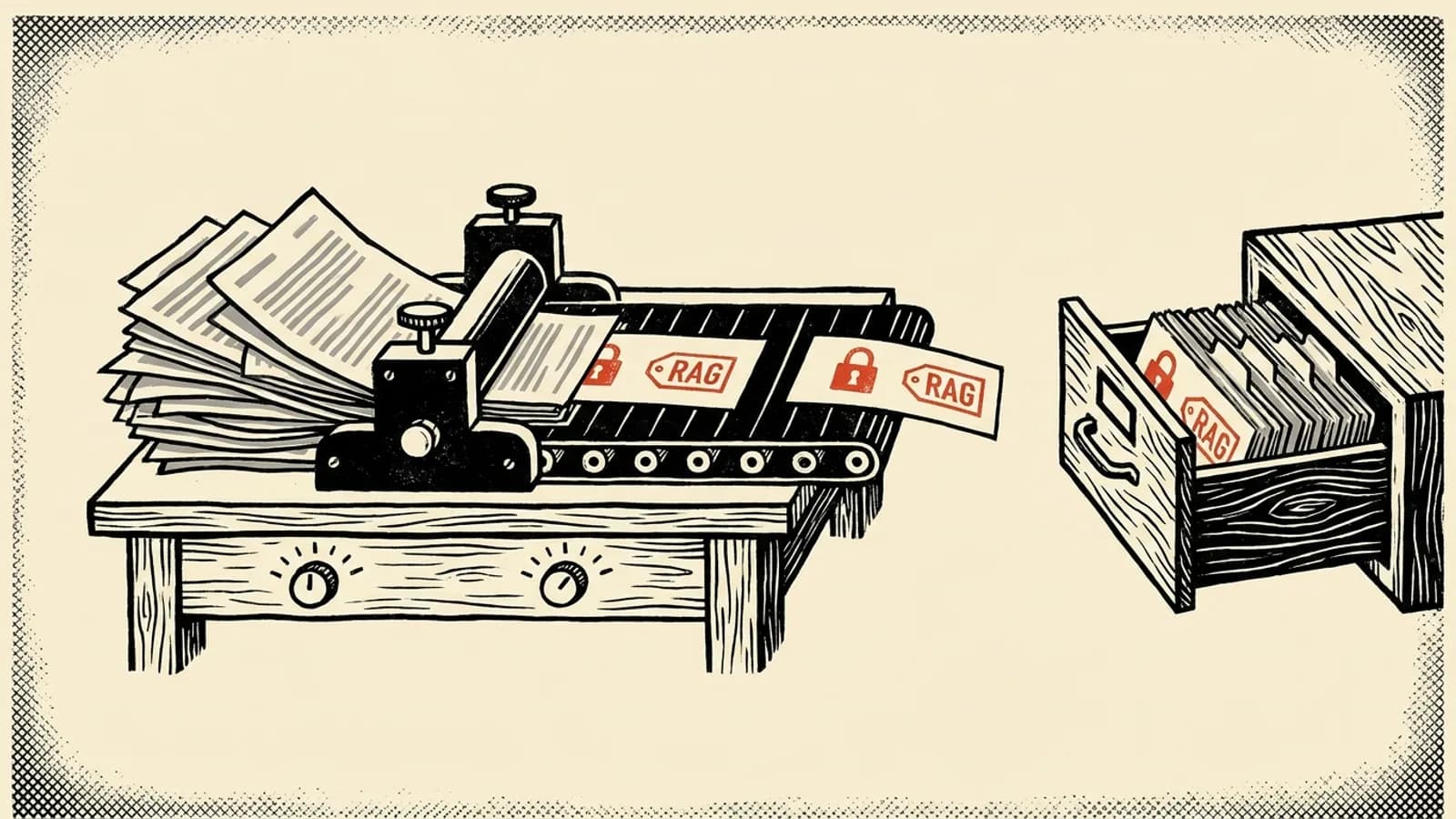
To prepare company data for RAG, treat it as a data pipeline with 6 steps: collect the questions people will ask, extract and clean the text, split it at the document's own structure, tag every chunk with its source, version and who may read it, add a line of context, then load it into an index that updates when the documents change. Most wrong answers from a RAG system start in one of those steps, not in the model: a stale policy still in the index, a heading cut off from its paragraph, a manager-only page any employee can retrieve.
Here is what each step changes, on a small made-up HR policy with an older copy still in the folder:
- Fix4 chunks carry page headers or contents lines, which get embedded as if they were content.
- FixThe chunk with the answer (16 weeks) lost its heading, so nothing in it says it is about parental leave.
- FixThe 2024 copy, which says 12 weeks, can still be retrieved and quoted.
- FixManager-only guidance can be retrieved for an employee.
chunk 1
NORTHWIND LTD · INTERNAL · PAGE 1 OF 2 Contents Parental leave .......... 1 Manager guidance .......... 2 Parental leave Employees with
chunk 2
26 weeks of service get 16 weeks of parental leave at full pay, then 10 weeks at half pay. Tell your manager
chunk 3
at least 8 weeks before your leave starts. You can split the leave into 2 blocks. NORTHWIND LTD · INTERNAL · PAGE
chunk 4
2 OF 2 Manager guidance Approve a request within 5 working days. Cover is paid from the team budget, not from the
chunk 5
leave budget.
chunk 6
NORTHWIND LTD · INTERNAL · PAGE 1 OF 1 Parental leave Employees get 12 weeks of parental leave at full pay.
4 problems in what this employee can retrieve. 4 chunks carry page headers or contents lines, which get embedded as if they were content.
A made-up policy in 2 PDF versions. Fixed-size chunks are 22 words. The filter keeps current versions and the chunks the reader's group may see.
With no steps on, the reader gets every failure at once. Turn on the steps one by one and watch which ones remove which failure. The last one to fix is the one people miss: with fixed-size chunks and a permission filter, a chunk that mixes employee text with manager text gets hidden from employees entirely, so they lose part of their own policy. Splitting at headings first is what makes the filter clean.
Start from the questions
Before touching a file, write down questions real people will ask, and for each one, the passage that answers it. Microsoft's RAG guide puts this in its first phase, done in parallel with collecting the documents, because the 2 depend on each other: the questions must be answerable from the content, and a question no document answers shows a gap before you build anything.
The same list becomes your test set. Every change later, a cleaning rule, a chunk size, an embedding model, gets judged by whether the right passage still comes back for those questions. Without it you are tuning by feel. Our concept page on Retrieval EvaluationRetrieval EvaluationTesting the search step of a RAG system on its own, with questions whose answering passages you know, and scoring it with recall at k, the share of those passages found in the top k results. covers how to score it.
While you collect, sort the documents by kind (contracts, product sheets, tickets) and by format (PDF, Word, HTML, scans). Each pair usually needs its own extraction and its own test examples; Microsoft suggests at least 2 per variant.
Clean out what carries no meaning
Text pulled from a PDF arrives with things a reader skips without noticing: page headers and footers, "Page 3 of 12", a contents list with dotted lines, copyright lines, watermarks. Embedded, they are content like any other. A contents list is a trap of its own: it is made of your section titles, so it can look relevant to a question about any section.
Clean in a separate column and keep the original. Microsoft's guide stores the cleaned text for embedding next to the untouched chunk, which is what the reader sees and what an answer cites. And test before cleaning harder: removing stop words shrinks the text, but "not" is a stop word, and "leave is not paid" means the opposite of "leave is paid".
2 things belong in the cleaning step that are not about formatting:
- Replaced versions. If the 2024 policy and the 2026 policy are both in the folder, both get indexed, and the search has no way to know which is current. OWASP lists conflicting sources as a risk for RAG systems. Drop superseded files, or at least mark them so they can be filtered out.
- Instructions inside documents. Anyone who can edit a wiki page that gets indexed can write text aimed at the model. Microsoft's guidance is never to treat document content as instructions, and to flag content that contains them.
Split at the document's own structure
Cut at headings, so each chunk is one section with its title. A fixed word count is simpler but cuts wherever the count runs out: a heading ends one chunk while its paragraph starts the next, and one chunk can end up holding the last line of one section and the first of another. A long table may need its header row repeated in each chunk, or the numbers lose their columns.
How large each piece should be is its own question, with published tests behind it, in our guide to RAG chunk size. Our data engineering course has a module that splits Markdown at headings into a Delta table with PySpark, step by step.
Tag every chunk
Metadata is what lets the search filter, and what lets an answer cite. It sits in the same row as the embedding. The fields that matter in nearly every company:
| Field | Why the chunk needs it |
|---|---|
| ID, a hash of the content | A rerun can tell whether the chunk already exists |
| Source document and section | The answer can cite it, and a reader can check it |
| Version or last updated date | Replaced documents can be filtered out |
| Who may read it | The search only returns what the asker is allowed to see |
| Keywords and names | Exact matches that embeddings miss, such as a product and a year |
| Language | Filter to the asker's language |
Microsoft's enrichment guide adds a title, a summary and the questions the chunk can answer, each written by a model, which help when questions are worded far from the document's own words.
The permission field deserves the most care. A RAG system that indexes HR, finance and engineering documents into one store and searches them all for every user has handed everyone every document. OWASP's guidance is permission-aware stores that partition data by user group. In practice: copy each document's access list onto its chunks when you create them, and filter on it at query time for the person asking. Note what Microsoft says about its own version of this pattern: the identity stored on a document is just a string in a filter. It protects nothing unless your application passes the real identity of the person asking, and unless the list on the chunk stays in step with the list on the source.
Add a line of context
A chunk that says "Revenue grew by 3% over the previous quarter" does not say which company or which quarter. Anthropic's contextual retrieval fixes that by asking a model, for each chunk, for a short context that places it in its document, usually 50 to 100 tokens, and putting that context in front of the chunk before embedding it and before building the keyword index.
In Anthropic's tests across several knowledge domains, that alone cut the share of questions whose right passage was missing from the top 20 results by 35%. Adding keyword search (Hybrid SearchHybrid SearchRunning a keyword search (usually BM25) and a vector search for the same query and merging the 2 ranked lists, so exact terms like a product code and loose wording like "money back" are both found.) on the same context took the cut to 49%, and RerankingRerankingA second search step that reads each candidate passage together with the question and scores how well it answers, so the best few of a fast first search go to the model in the right order. the results to 67%. With prompt caching, so the full document is sent once rather than once per chunk, Anthropic put the one-time cost at $1.02 per million document tokens for its example sizes.
A cheaper start: put the document title and section path in front of every chunk with no model at all. It does not capture what the model would, but it fixes the case in the widget above: a chunk that never says what it is about.
Keep it as tables, and keep it current
A RAG index is a derived table like any other, and it goes stale the same way. Build it as one:
CREATE TABLE rag.chunks (
  chunk_id      STRING,         -- sha2 of document id, section and text
  document_id   STRING,
  version       STRING,
  is_current    BOOLEAN,
  section       STRING,
  readers       ARRAY<STRING>,  -- groups copied from the source's access list
  context       STRING,
  chunk_text    STRING,         -- what readers see and answers cite
  embed_text    STRING,         -- cleaned, with the context in front
  updated_at    TIMESTAMP
)
TBLPROPERTIES ('delta.enableChangeDataFeed' = 'true');
With a content hash as the ID, a nightly run only embeds chunks whose hash is new, and deletes chunks whose document disappeared or whose is_current flag turned false. Then let the index follow the table instead of loading it by hand. On Databricks, an AI Search Delta Sync index does that: it syncs from a Delta table with change data feed on when the table is updated. The Embedding PipelineEmbedding PipelineThe pipeline that turns source documents into searchable vectors: it reads new and changed content, chunks it, embeds each chunk and keeps the vector index in step with the source. concept page draws the whole flow. If you are building the application on top, our guide to building a RAG app picks up where this table ends.
Then rerun the questions from the first step. If the right passage comes back for each of them, for the right reader, from the current version, the data is ready.
Questions
- How do I prepare data for RAG?
- Collect test questions with the passages that answer them, extract the text, remove what carries no meaning (page headers, footers, contents lists), drop or flag replaced versions, split at the document's own headings, attach metadata such as source, version, section and who may read it, add a short context line to each chunk, then embed and index. Keep the chunks in a table keyed by a hash so you can update only what changed.
- What metadata should a RAG chunk have?
- At least an ID, the source document and section so answers can cite it, a version or date so replaced documents can be filtered out, and the groups allowed to read it. Microsoft's RAG guidance also suggests a title, summary, keywords, entities, language and the questions the chunk can answer, depending on the queries you need to support.
- How do I keep document permissions in RAG?
- Store the groups or users allowed to read each chunk on the chunk itself, and filter on them at query time for the person asking. OWASP lists inadequate access control in vector stores as a top risk for LLM apps and recommends permission-aware stores that partition data by user group.
- Should I clean text before embedding it?
- Remove what does not change the meaning, such as page headers, footers, watermarks and contents lists, and keep an untouched copy of the chunk to show and cite. Test heavier cleaning such as removing stop words, because some carry meaning: 'not' is a stop word.
- What is contextual retrieval?
- Contextual retrieval adds a short explanation of where a chunk comes from, usually 50 to 100 tokens written by a model, to the chunk before embedding it and indexing it for keyword search. In Anthropic's tests it cut failed retrievals by 35% with embeddings alone and 49% with keyword search added.
- How do I update a RAG index when documents change?
- Give each chunk an ID made from a hash of its content, so a rerun can tell which chunks already exist. Keep the chunks in a table and sync the index from it: Databricks AI Search, for example, can keep a Delta Sync index in step with a source table that has change data feed on.