S3 Tables vs your own Iceberg on S3: cost and trade-offs
Amazon S3 Tables keeps Apache Iceberg tables in a table bucket that compacts, expires snapshots and deletes unused files for you. It costs about 15% more to store than your own Iceberg table in a general purpose bucket. What each costs on a real table, where the gap grows, the catches in S3 Tables, and the 3 jobs you run if you keep the table yourself.
Tecyfy · Published · 8 min read
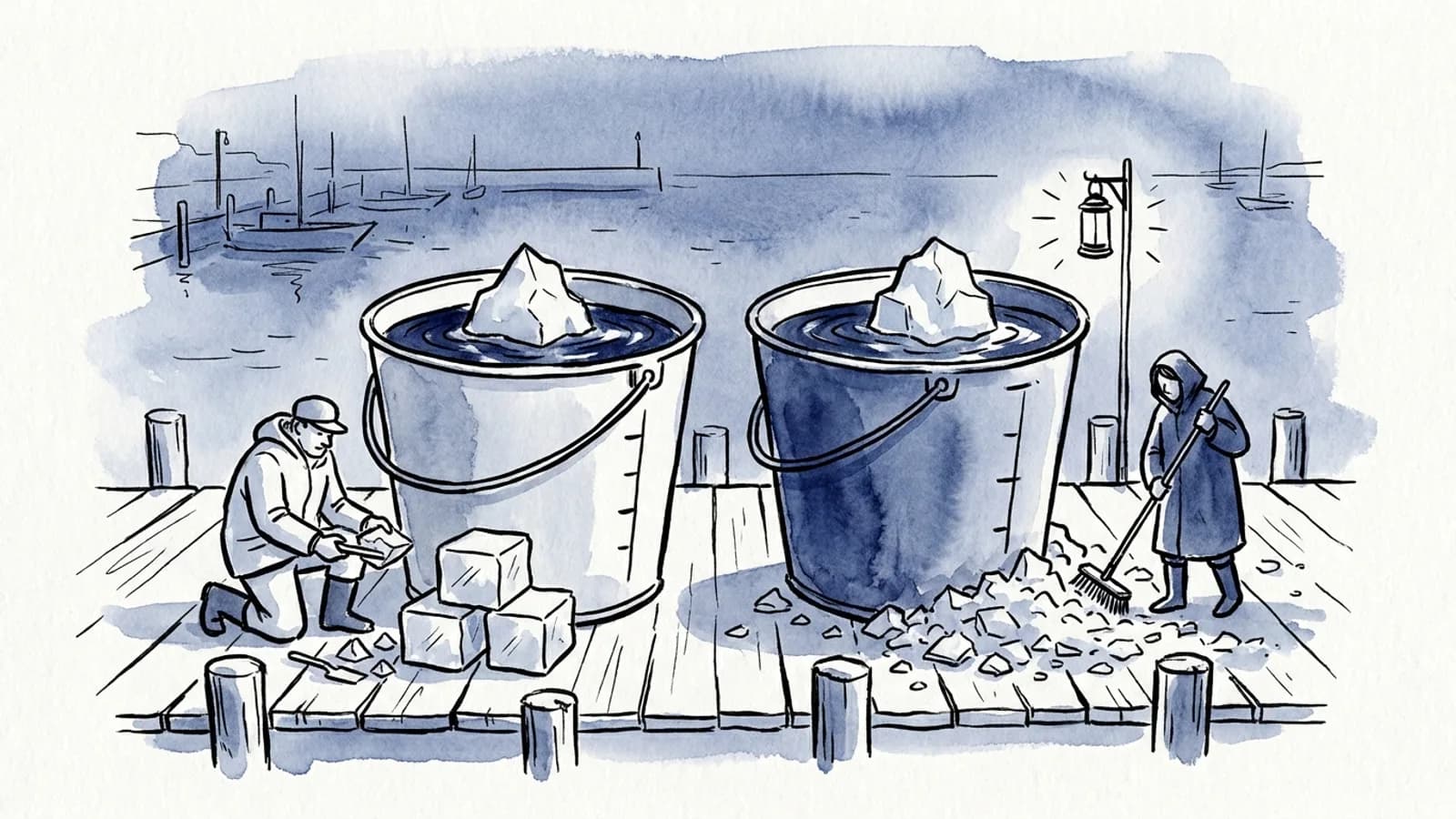
Amazon S3 Tables keeps your Apache Iceberg tables in a table bucket and runs their upkeep for you: it compacts small files, expires old snapshots and deletes files nothing uses any more. Your own Iceberg table in a general purpose S3 bucket uses the same Open Table FormatOpen Table FormatA published way of storing a table as plain data files plus a log of changes, so many engines can read and safely write it. Delta Lake and Apache Iceberg are the best known. and costs about 15% less to store, but those 3 jobs are yours to run. On a table of a few terabytes the difference is a few dollars to a few tens of dollars a month; it grows large only on very big tables that change little.
So the question is not "is S3 Tables cheaper". It is not, on the invoice. The question is whether your own maintenance, and the person who looks after it, costs less than the gap.
What you pay for in each
Prices are AWS's list prices for US East (N. Virginia), from its price list for Amazon S3.
| S3 Tables | Your own Iceberg on S3 Standard | |
|---|---|---|
| Storage, first 50 TB | $0.0265 per GB-month | $0.023 per GB-month |
| Storage, next 450 TB | $0.0253 | $0.022 |
| Storage, over 500 TB | $0.0242 | $0.021 |
| PUT, COPY, POST, LIST | $0.005 per 1,000 | $0.005 per 1,000 |
| GET | $0.0004 per 1,000 | $0.0004 per 1,000 |
| Object monitoring | $0.025 per 1,000 objects a month | none |
| Compaction, binpack | $0.002 per 1,000 objects + $0.005 per GB | your compute |
| Compaction, sort or z-order | $0.002 per 1,000 objects + $0.01 per GB | your compute |
| Snapshot expiry, orphan files | included | your compute |
Requests cost the same on both sides, so they never decide this. What you are comparing is a storage premium and 2 small fees on one side against the compute and the care that maintenance takes on the other. If you keep the table yourself, the managed option on AWS is the Glue Data Catalog's table optimizers, at $0.44 per DPU-hour (a DPU is 4 vCPU and 16 GB of memory).
A 10 TB table, both ways
Take a 10 TB event table. Writers add 1,000 GB a month in files of about 10 MB, and nobody has set a sort order, so compaction uses binpack.
| Line | S3 Tables | Own Iceberg |
|---|---|---|
| Storage, 10,240 GB | $271.36 | $235.52 |
| Monitoring, about 105,000 objects of 100 MB | $2.62 | none |
| Compaction, about 102,000 new files and 1,000 GB | $5.20 | your compute |
| A month | $279.19 | $235.52 |
The gap is $43.67 a month, 19% more. Of that, $35.84 is the higher storage price. Monitoring and compaction together are under $8.
$43.67 buys about 99 DPU-hours of Glue's optimizers. Whether your own maintenance stays under that depends on how often it runs and how much it rewrites, and AWS publishes no DPU figure per GB for its optimizers, so measure your own run before you count on it. Try your own table here:
S3 Tables$279
Storage $271Monitoring $2.62Compaction $5.20
Your own Iceberg on S3 Standard$236
The gap: $43.67 a month = about 99 DPU-hours of Glue table optimizers
S3 Tables costs $279 a month for this table; the same files in a general purpose bucket cost $236 to store. The gap is $43.67 (19% more), most of it the higher storage price. That would buy about 99 DPU-hours of Glue's own Iceberg optimizers, which compact, expire snapshots and delete orphan files for a table you keep yourself.
List prices, US East (N. Virginia), S3 Standard storage class on both sides. Requests cost the same in both and are left out. Every new file is compacted once and the table's files average 100 MB, as in AWS's own pricing example. The DPU-hours are at Glue's $0.44 rate; your own Spark on EMR or Glue jobs is billed differently.
Move the sliders and 3 things stand out:
- Size drives the gap, not traffic. A 500 TB table that takes 2,000 GB a month in 100 MB files costs about $13,156 a month in S3 Tables against $11,315 in S3 Standard. The gap, about $1,841, is almost all storage. This is where keeping the table yourself pays.
- Small files hardly move the fees. Going from 10 MB to 1 MB files on the 10 TB table adds under $2 of compaction, because the per-object fee is $0.002 per 1,000. Small files hurt the queries, not this bill.
- Sort and z-order double the per-GB fee. At $0.01 per GB the 10 TB table's compaction goes from $5.20 to $10.20. Worth it when your queries filter on the sort columns; the CompactionCompactionReplacing the older part of a long conversation with a summary, so an agent can keep working when its context fills up. concept shows why.
The maintenance you forget costs more than the premium
The comparison above assumes your own table is kept as tidy as S3 Tables keeps its own. Often it is not.
Iceberg never deletes a data file on its own. A compaction writes new large files, but the old small ones stay on S3, because the older snapshots still point at them. They go only when you expire those snapshots, and files left by failed jobs go only when you remove orphans. Iceberg's own docs list snapshot expiry and orphan removal as the maintenance every table needs.
On the 10 TB table, compacting 1 TB a month without expiring snapshots keeps that 1 TB of small files. By our sum, after 6 months that is 6 TB of dead files at $0.023, about $141 a month, 3 times the S3 Tables premium, and still growing. Every MERGE and overwrite adds more. A self-managed table with compaction running and no snapshot expiry is the most expensive of the 3 setups.
What S3 Tables runs for you, and what Glue runs if you ask
| Job | S3 Tables default | Glue Data Catalog optimizer default |
|---|---|---|
| Compaction | On, 512 MB target (64 to 512 MB), auto strategy | Off; starts when a table or partition has more than 100 files each under 75% of the 512 MB target |
| Snapshot expiry | On, keep at least 1, expire after 120 hours | Off; keeps 1 snapshot for 5 days when on |
| Orphan or unreferenced files | On, marked after 3 days, deleted 10 days later | Off; deletes after 3 days when on |
| Where you set it | Per table (compaction, snapshots), per bucket (unreferenced files) | Per table or per catalog |
| Billed as | Per object and per GB compacted; the rest included | $0.44 per DPU-hour for each run |
The auto strategy in S3 Tables uses sort compaction when the table has a sort order in its metadata and binpack when it has none. Glue's optimizers offer the same 3 strategies and work on Iceberg v3 tables, which S3 Tables also supports (deletion vectors, row lineage, the variant type).
The catches in S3 Tables
AWS's documentation lists these. Each one has caught teams that assumed a table bucket behaves like a normal bucket with Iceberg in it.
- Snapshot management stops for the whole table if the table has any user-defined tag or branch, or if
history.expire.max-snapshot-age-msorhistory.expire.min-snapshots-to-keepis set as a table property. Nothing expires and storage grows. Set retention through the maintenance API, not table properties, and checkget-table-maintenance-job-statusfor aFAILEDstatus. - Deletes are permanent. Once a file has been noncurrent for
nonCurrentDays, it is gone. Seeing or recovering a noncurrent file needs AWS Support. - Slow commits lose files. A streaming writer that uploads a file and commits it later can see that file
marked as unreferenced first. Set
unreferencedDayslonger than your longest gap between writing a file and committing it, retries included. - Compaction can clash with your writers. Iceberg resolves concurrent commits optimistically, so a write can fail when compaction commits first. Compaction retries; give your pipeline retries too.
- The storage class is fixed at creation. A table starts in S3 Standard and cannot be moved to Intelligent-Tiering later. Intelligent-Tiering inside S3 Tables also costs more than its S3 twin: $0.0144 per GB-month for Infrequent Access against $0.0125, and $0.0046 for Archive Instant Access against $0.004. Compaction skips the colder tiers, so delete files on old data wait until that data is read again.
- It is not a general purpose bucket. No public access, no presigned URLs for a table's files, and default quotas of 10,000 tables per table bucket and 100 table buckets per Region.
- Compaction has format limits: Parquet, Avro and ORC only, no brotli or lz4 compression and no
Fixedtype.
In return you get things a normal bucket does not have: IAM policies on single tables in their own s3tables
namespace, replication of whole tables to other Regions or accounts with commits in order, and higher transactions a second
and query throughput than a self-managed table in a general purpose bucket (AWS's pricing page says up to 3 times
faster queries and up to 10 times more transactions a second).
Keeping it yourself: the 3 jobs
If you keep your own Iceberg table in a general purpose bucket, these 3 Spark procedures are the maintenance, run on EMR, Glue or any Spark with the Iceberg runtime. The names and arguments are from Iceberg's own docs.
-- 1. Compaction: rewrite small files into large ones (sort or z-order when you filter on columns)
CALL glue_catalog.system.rewrite_data_files(
  table => 'sales.events',
  strategy => 'sort',
  sort_order => 'zorder(customer_id, event_date)'
);

-- 2. Snapshot expiry: drop snapshots older than 5 days, keep at least 1 (both are the defaults)
CALL glue_catalog.system.expire_snapshots(
  table => 'sales.events',
  older_than => TIMESTAMP '2026-10-18 00:00:00',
  retain_last => 1
);

-- 3. Orphan files: list first, then delete
CALL glue_catalog.system.remove_orphan_files(table => 'sales.events', dry_run => true);
Run expiry after compaction, or the compacted-away files stay. Run orphan removal last, with an age longer than your slowest commit, for the same reason as catch 3 above. Glue's own orphan optimizer adds 2 rules worth knowing: it never deletes files created before the optimizer was, and it scans the whole table location, so a location shared with other data can lose files that are not orphans at all.
Running Spark on these jobs is ordinary Spark tuning; our Spark shuffle partition calculator helps size a sort compaction. The tools that read the table are the same either way. Athena, for one, charges by the data it scans whichever bucket holds the files, and well-compacted files keep that bill down: see what an Athena query costs.
Which to choose
Choose S3 Tables when you have many tables and no one whose job is their upkeep, when writers make many small files (streaming, frequent MERGEs), when you want table-level IAM or ordered cross-Region replicas, or when the gap in the widget is smaller than a few hours of an engineer's month.
Keep your own Iceberg when the table is hundreds of terabytes and changes little, so the storage premium is large and maintenance is light; when another catalog must own the table's metadata, when you need presigned URLs, or Iceberg tags and branches for releases or audits; or when you already run Spark jobs that can take the 3 procedures on.
Both are the same Iceberg underneath, so the choice is not forever: any Iceberg engine reads either. If you are still choosing the format itself, read Delta Lake vs Apache Iceberg, and for where tables like these sit in a data platform, the LakehouseLakehouseOne store for all of an organisation's data: cheap files in cloud storage, as in a data lake, with the tables, transactions and fast queries of a data warehouse on top. concept.
Questions
- What is Amazon S3 Tables?
- Amazon S3 Tables stores Apache Iceberg tables in a table bucket, a kind of S3 bucket built for tables. S3 runs the table's maintenance for you: compaction of small files, snapshot expiry and removal of files no snapshot uses. Any engine that reads Iceberg can query the tables, including Athena, Redshift, EMR, Spark, Trino, DuckDB and Snowflake.
- How much does S3 Tables cost?
- In US East (N. Virginia), S3 Tables storage is $0.0265 per GB-month for the first 50 TB, object monitoring is $0.025 per 1,000 objects a month, and compaction is $0.002 per 1,000 objects plus $0.005 per GB processed for binpack, or $0.01 per GB for sort and z-order. Requests are priced as in S3 Standard: $0.005 per 1,000 PUTs and $0.0004 per 1,000 GETs.
- Is S3 Tables more expensive than storing Iceberg in a normal S3 bucket?
- Yes, by about 15% on storage: $0.0265 per GB-month against $0.023 for S3 Standard, plus monitoring and compaction fees. For a 10 TB table that takes 1,000 GB of new data a month in 10 MB files, the gap is about $44 a month by our sum. In exchange you run no compaction, snapshot expiry or orphan file jobs yourself.
- What is the difference between S3 Tables and Apache Iceberg?
- Apache Iceberg is the open table format: the data files, metadata and snapshots that make a set of Parquet files behave like a table. S3 Tables is a place to keep Iceberg tables, with a catalog endpoint and the maintenance done by S3. An Iceberg table you keep yourself in a general purpose bucket uses the same format, but you choose the catalog and run the maintenance.
- Does S3 Tables compact Iceberg tables automatically?
- Yes. Compaction is on by default for every table, targeting 512 MB files (you can set 64 to 512 MB), with an automatic strategy that uses sort compaction when the table has a sort order and binpack when it has none. Snapshot management keeps at least 1 snapshot and expires those older than 120 hours, and unreferenced files are marked after 3 days and deleted 10 days later.
- How do I maintain Iceberg tables on S3 without S3 Tables?
- Run 3 jobs on a schedule: compaction (rewrite_data_files), snapshot expiry (expire_snapshots) and orphan file removal (remove_orphan_files), as Spark procedures on EMR, Glue or your own cluster. Or turn on the AWS Glue Data Catalog table optimizers, which do the same 3 jobs for $0.44 per DPU-hour; they are off by default for new tables.
Sources
Where each fact comes from
- 1Amazon S3 pricing (Tables)
- 2AWS Price List for Amazon S3, US East (N. Virginia)
- 3Working with Amazon S3 Tables and table buckets
- 4Maintenance for tables
- 5Maintenance for table buckets
- 6Considerations and limitations for maintenance jobs
- 7Cost optimization for tables with Intelligent-Tiering
- 8Accessing table data
- 9S3 Tables quotas and security limitations
- 10Replicating S3 tables
- 11Optimizing Iceberg tables
- 12AWS Glue pricing (Data Catalog optimization)
- 13Maintenance
- 14Spark procedures