LangChain vs LangGraph: which one to use, and when you need both
LangChain is the agent framework: create_agent gives you a model calling tools in a loop in a few lines. LangGraph is the runtime underneath it, where you draw the path yourself. Since LangChain 1.0 every LangChain agent runs on LangGraph, so the question is not which, but how low to go.
Tecyfy · Published · 7 min read
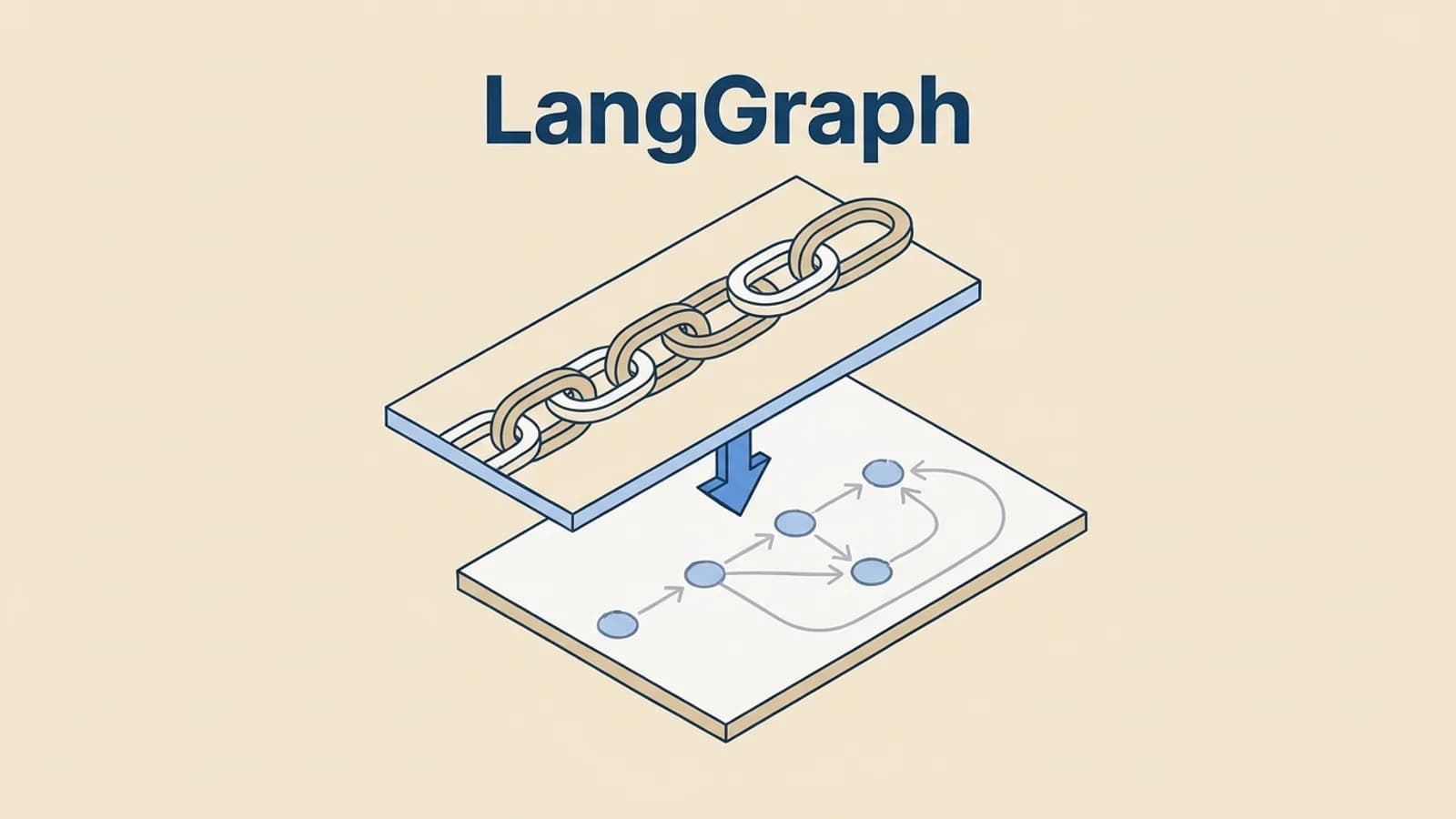
LangChain and LangGraph are 2 layers of the same stack. LangChain is the agent framework: create_agent gives you a model that calls tools in a loop, in a few lines, with any major model provider. LangGraph is the runtime underneath: you draw the steps as a graph and it runs them with saved state, pauses for a person and recovery after a crash. Since LangChain 1.0, every LangChain agent is a LangGraph graph. Start with LangChain; drop to LangGraph when part of the path is yours to design.
There is a third layer on top, Deep Agents, for long jobs that need planning and subagents. Knowing which layer does what saves you from writing a graph you did not need, or from fighting an agent loop that should have been a graph.
How the 3 fit together
LangChain's own docs sort the stack by what each layer adds:
| LangGraph | LangChain | Deep Agents | |
|---|---|---|---|
| What it is | Runtime | Framework | Harness |
| What it adds | State, persistence, interrupts, streaming, durable runs | The agent loop, model and tool integrations, middleware | Planning, subagents, a file system, context compression |
| You write | Nodes, edges and the state they share | Model, tools, prompt, middleware | Model, tools, prompt |
| Use it for | Paths you design, mixing fixed and model-driven steps | An agent that calls tools until done | Long, open-ended tasks |
| Similar tools | Temporal, Inngest | CrewAI, OpenAI Agents SDK, Google ADK | Claude Agent SDK |
Each layer is built on the one below it. A Deep Agent is a create_agent with more parts, and a create_agent is a LangGraph graph. That is why many things you might go to LangGraph for already work in LangChain.
LangChain: an agent in a few lines
from langchain.agents import create_agent
from langgraph.checkpoint.memory import InMemorySaver

agent = create_agent(
    model="anthropic:claude-sonnet-5",
    tools=[lookup_order, issue_refund],
    system_prompt="You handle order questions.",
    checkpointer=InMemorySaver(),
)

agent.invoke(
    {"messages": [{"role": "user", "content": "Where is order 4417?"}]},
    config={"configurable": {"thread_id": "customer-82"}},
)
The model string picks the provider, so moving from Claude to GPT or Gemini is one line. The checkpointer with a thread_id keeps the conversation. Middleware changes how the loop behaves: HumanInTheLoopMiddleware pauses before tools you name, such as issue_refund, and resumes when a person approves, edits or rejects the call. Others summarise long histories, retry failed calls, cap the number of model and tool calls, and detect personal data.
All of that runs on LangGraph's persistence and interrupts, without your writing a graph. If your agent is a model that decides its own steps with a few guardrails, stop here.
LangGraph: when you draw the path
LangGraph is for when you know part of the path and want it to run the same way every time. You define the state, the nodes (plain Python functions that read and update it) and the edges between them:
from typing import TypedDict
from langgraph.graph import StateGraph, START, END

class State(TypedDict):
    ticket: str
    kind: str
    reply: str

def classify(state: State):
    return {"kind": classify_with_model(state["ticket"])}

def pick_path(state: State):
    return "refund" if state["kind"] == "refund" else "answer"

graph = StateGraph(State)
graph.add_node(classify)
graph.add_node(refund)
graph.add_node(answer)
graph.add_edge(START, "classify")
graph.add_conditional_edges("classify", pick_path)
graph.add_edge("refund", END)
graph.add_edge("answer", END)
app = graph.compile()
The model classifies; your code decides where each ticket goes. A refund always passes through the refund node with its checks, whatever the model would have preferred. That mix, fixed steps where you need them to be predictable and auditable and model steps where you need judgement, is what LangGraph is for. It is the workflowAgentic WorkflowA fixed sequence of model calls and tools that your code controls, such as classify, then look up, then draft. An agent decides its own next steps; a workflow follows the path you wrote. side of the workflow or agent choice.
You can use LangGraph without LangChain. The nodes are your functions; LangChain's model classes are a convenience inside them, not a requirement.
Which one to start with
Pick what your agent needs and see the layer that covers all of it:
Start with LangChain's create_agent. It already runs on LangGraph, so persistence and approvals come with it, and you write no graph.
Layers from LangChain's docs: LangGraph is the runtime, LangChain the framework built on it, Deep Agents the harness built on both. Each layer can use everything below it.
The rule underneath:
- A model calling tools until it is done, with approvals, memory, retries: LangChain's
create_agent. - Any step that must always happen, in an order you set: a check before the model, a branch by type, parallel steps you join, a loop with a fixed limit. Use LangGraph, and put model calls or even a whole agent inside its nodes.
- A long task that needs to plan, delegate and keep notes, such as research or coding: Deep Agents.
Each layer is built on the one below it, so you can start high and drop a level when you need more control. Starting too low costs more: a hand-drawn graph for what create_agent does in 5 lines is code to maintain for nothing.
What else to weigh
Lock-in. Both are open source, but your state, checkpoints and middleware follow LangChain's design. If you only call one model provider and need a loop, the provider's own SDK is less to learn. LangGraph vs CrewAI vs the Claude Agent SDK compares the same small agent written in each.
Tracing. An agent that takes 20 steps is hard to debug from its final answer. LangSmith is LangChain's tracing service; any tracer that records each model call and tool result works.
Testing. Whichever layer you choose, build an eval set before you ship. How to evaluate an AI agent shows how, and the agentAgentA model that uses tools in a loop, deciding each next step from what the last one returned, until the task is done. and LangChainLangChainAn open-source framework for building AI agents: create_agent runs a model that calls tools in a loop, with integrations for most model providers. It runs on LangGraph, the lower-level runtime from the same company. concepts cover the terms.
Questions
- What is the difference between LangChain and LangGraph?
- LangChain is an agent framework: create_agent builds a model that calls tools in a loop, with integrations for many model providers and middleware to shape its behaviour. LangGraph is the lower-level runtime: you define the steps as nodes and edges of a graph, with saved state, pauses for a person, streaming and recovery after failures. LangChain 1.0 is built on LangGraph, so a LangChain agent is a LangGraph graph you did not have to draw.
- Should I use LangChain or LangGraph?
- Start with LangChain's create_agent when the job is a model calling tools until it is done, even with approvals and memory. Move to LangGraph when part of the path is fixed or designed by you: steps that must always run before or after the model, branches, parallel steps or loops of your own. Use Deep Agents, built on both, for long tasks that need planning, subagents and files.
- Can I use LangGraph without LangChain?
- Yes. LangChain's documentation says LangGraph can be used without LangChain; nodes are ordinary Python functions that read and update the graph's state. Most examples use LangChain's model and tool integrations inside the nodes because they save code, not because LangGraph needs them.
- Is LangChain still relevant in 2026?
- Yes, in a narrower role than its early chains. Since version 1.0 LangChain centres on create_agent, a small configurable agent harness, plus standard integrations for models and tools from OpenAI, Anthropic, Google and others. For orchestration of its own, with fixed and model-driven steps in one graph, LangChain points to LangGraph.
- What is Deep Agents in LangChain?
- Deep Agents is LangChain's ready-made agent harness, built on create_agent and LangGraph. It adds subagents that run in their own context, a file system for large results and memory, and context compression for long runs, with task planning as an option you switch on. LangChain's docs compare it with the Claude Agent SDK as the same kind of tool.
Sources