Does ChatGPT Pro include API credits? How to claim them
Yes, since 28 October 2026: ChatGPT Pro comes with $100, $200 or $500 a month in OpenAI API credits, matching its price, and ChatGPT Business with $20 or $100 a paid seat, capped at $500 a workspace. Who qualifies, the 2 ways to claim them, what they pay for, what they don't, and what happens when they run out.
Tecyfy · Published · 6 min read
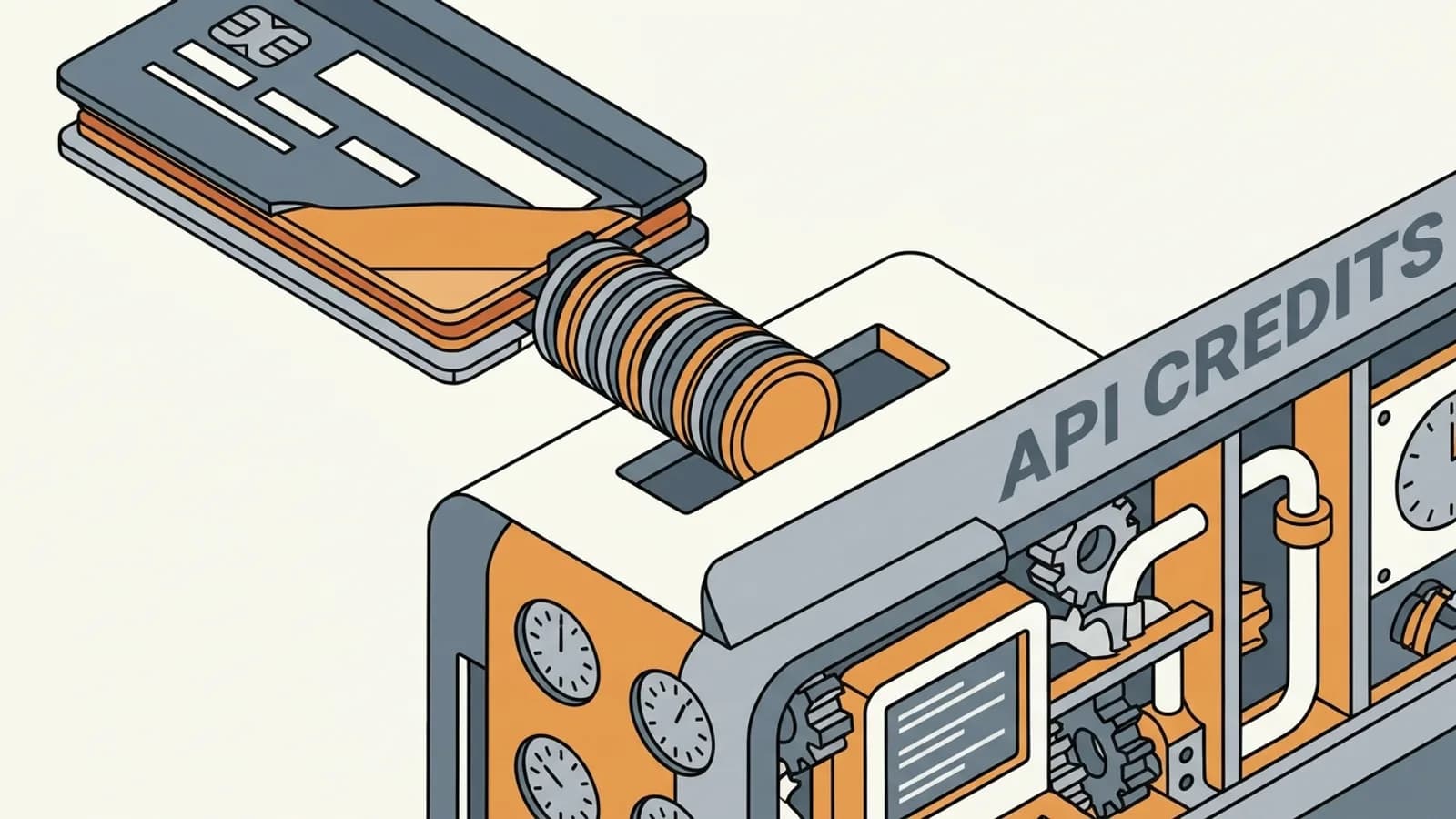
Yes. Since 28 October 2026, a paid ChatGPT Pro plan includes free OpenAI API credits every month, equal to what the plan costs: $100 of credits on the $100 plan, $200 on the $200 plan and $500 on the $500 plan. ChatGPT Business includes them too, per paid seat. Before that date the answer was no. ChatGPT and the API are still separate products with separate bills; the credits are a benefit of the ChatGPT plan that you spend on the API.
| ChatGPT plan | API credits a month |
|---|---|
| Pro, $100 plan | $100 |
| Pro, $200 plan | $200 |
| Pro, $500 plan | $500 |
| Business Standard | $20 for each paid Standard seat |
| Business Premium | $100 for each paid Premium seat |
Business credits are pooled across the workspace and capped at $500 a month. A Business workspace that pays a year up front gets the whole year's grant in one go, and it expires at the end of that annual billing cycle.
Who can claim them
Three conditions, all of which must hold:
- A paid Pro or Business plan at least 7 days old. Free trials and complimentary subscriptions do not count.
- You own both sides. You must be the owner of the ChatGPT subscription or Business workspace, and an owner of the API organization that receives the credits.
- The same email on both. Your ChatGPT account and the API account you link with must use the same email address.
Plus, Go and Free plans get nothing, and neither does ChatGPT Enterprise. You also do not need a payment method on the API account: active free credits are enough to make requests.
How to claim ChatGPT Pro API credits
You claim once. After that, credits arrive each time the subscription renews, for as long as OpenAI offers the benefit and your plan stays eligible. There are 2 ways in, and both link the same benefit to one API organization.
From ChatGPT. Sign in with the account that owns the plan. On Pro, open Settings, then Billing; on Business, open the workspace's billing settings in ChatGPT or the Admin Console. Find the API credits benefit, start the claim, check which API organization will receive the credits (pick one if you own several), and confirm.
From the API Platform. Sign in to platform.openai.com with the email of your ChatGPT plan, select the API organization you own, open Billing, find the API credit benefit, choose the subscription or workspace to link, and confirm.
If you have never used the API, you can link the plan to your Personal API Organization. Either way, the credits then show in the API Platform's billing settings.
One practical point: the first grant is prorated for the days left in your current billing cycle. Claiming on the last day of a cycle gives you very little that month, and nothing carries over.
What the credits pay for
They cover paid API usage billed to the linked organization:
- the Responses API, for text, code and images as input
- the Agents API, including the charges for OpenAI-hosted sandboxes
- the Decisions API
- GPT-Live and the Realtime API, for voice
- the Images API, for making and editing pictures
- built-in tools and their usage and storage charges, such as web search, file search and Code InterpreterTool UseGiving a model a list of things it can ask to have done, such as search the web or read a file. The model asks; the program around it does the work and hands back the result.
Grants apply only to the linked organization, so make requests with one of that organization's project API keys. A key from another organization you own does not draw on the credits.
What they don't pay for
Codex used through an API key is not covered. The credits also do not raise your ChatGPT limits or your Codex limits when you are signed in with ChatGPT. They are API money, kept apart from the plan's own allowances.
What $100 of API credits buys
How far the credits go depends on the model. Take a request of 2,000 input tokensTokenThe small piece of text a language model reads and writes, often part of a word. Prices, limits and the context window are all counted in tokens. and 500 output tokens, a long question with a few paragraphs of answer, at OpenAI's standard prices per million tokens:
| Model | Input / output per million | One request | Requests for $100 |
|---|---|---|---|
| GPT-6 Astra | $10 / $50 | $0.045 | about 2,200 |
| GPT-6.1 Sol | $2 / $10 | $0.009 | about 11,100 |
| GPT-6 Luna | $0.10 / $0.50 | $0.00045 | about 222,000 |
Agents and long documents use far more tokens per request than this, and image, voice and tool charges come on top. Put your own sizes into the LLM cost calculator, or count a real prompt with the token counter, before you plan a month around the grant. Every OpenAI model's price is on our price tables.
When the credits run out
Free credits are spent before any you bought. When they are gone:
- If you have purchased credits, requests carry on and use them.
- If you have none, requests fail with HTTP
429and the error codecredit_balance_exhausted.
An app that treats every 429 as a rate limitRate LimitThe most an API lets you send in a period, counted in requests and tokens per minute. Past it, requests fail with a 429 error until capacity comes back, so code waits and retries. and retries will keep failing here. Check the error code and stop retrying, or add paid credits or turn on Auto Recharge in the organization's billing settings so the app keeps running.
Upgrades, cancellations and moving plans
- Upgrading Pro can give extra prorated credits for the rest of the cycle. Later grants follow the new plan, up to $500 a cycle.
- Adding or upgrading Business seats can do the same, inside the workspace cap of $500 a monthly cycle or $6,000 an annual one. Fewer seats take effect from the next cycle, and handing a seat to someone else creates no new credits.
- Cancelling stops new grants but does not take back credits already issued. Use them before they expire.
- Moving down to Plus, Go or Free removes the link at the end of the billing cycle.
- Moving from Pro to Business ends the Pro link. Once the workspace's paid plan is 7 days old, its owner can link it again for the Business benefit.
- Moving from Business to Enterprise removes the link at the end of the billing cycle.
To send the credits to a different API organization later, you have to contact OpenAI support.
If you are choosing a subscription rather than the API, our ChatGPT vs Claude vs Gemini comparison covers what each plan gives you in the app.
Questions
- Does ChatGPT Pro include API credits?
- Yes, since 28 October 2026. A paid ChatGPT Pro plan gives free OpenAI API credits each month equal to its price: $100 on the $100 plan, $200 on the $200 plan and $500 on the $500 plan. You claim them once by linking the subscription to an API organization you own, and they arrive with each renewal.
- Does ChatGPT Plus include API credits?
- No. Only paid ChatGPT Pro and ChatGPT Business subscriptions are eligible. Plus, Go and Free are not, and if you move from Pro down to one of them, the link to your API organization is removed at the end of the billing cycle. ChatGPT Enterprise is not eligible either.
- How many API credits does ChatGPT Business get?
- $20 a month for each paid Business Standard seat and $100 for each paid Business Premium seat, pooled for the workspace and capped at $500 a month. A workspace that pays annually up front gets the whole year's grant at once, capped at $6,000, and it expires at the end of the annual billing cycle.
- Do ChatGPT API credits roll over?
- No. Unused credits expire at the end of the billing cycle. The first grant is prorated for the time left in the current billing cycle, so a claim late in a cycle brings a small first grant.
- Can I use ChatGPT Pro API credits for Codex?
- Not with an API key: OpenAI says Codex usage through API keys is not covered, and the credits do not raise your ChatGPT or signed-in Codex usage limits. They pay for API Platform usage billed to the linked organization, such as the Responses API, Agents API, Realtime API, Images API and built-in tools.
- What happens when the free API credits run out?
- The organization uses free credits before purchased ones. If purchased credits remain, requests carry on using them. If none remain, requests fail with HTTP 429 and the error code credit_balance_exhausted until you add paid credits or set up Auto Recharge.
Sources